
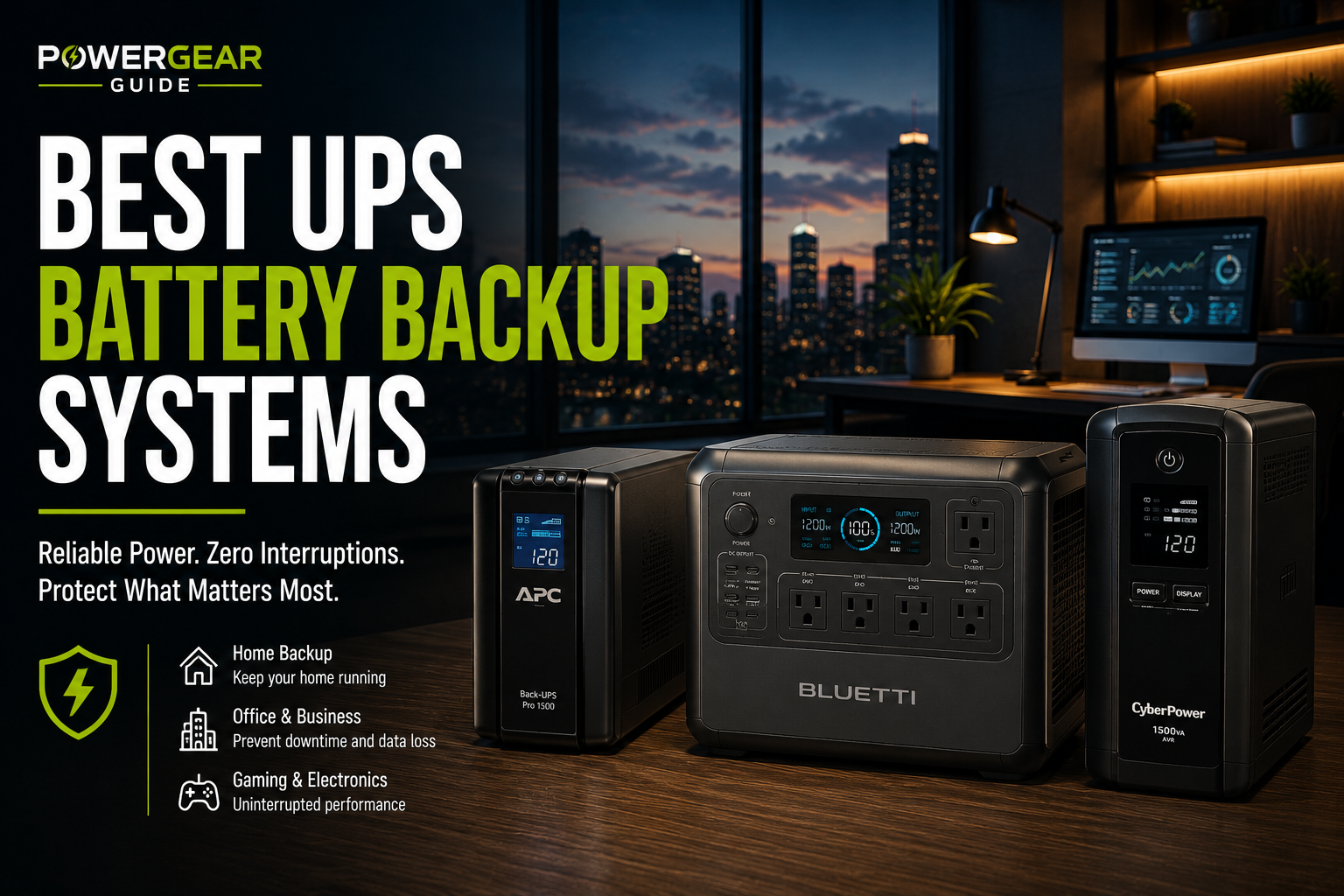
Best UPS Battery Backup Systems
Protect your computers, networking equipment, NAS servers and home office from unexpected outages with the best UPS battery backup systems available today.
Shop UPS Battery Backup Systems on AmazonQuick Answer
For most users, a line-interactive pure sine wave UPS with enough capacity to support your equipment for 10–20 minutes offers the best balance of protection, reliability and value. Home offices, gaming PCs and networking equipment benefit from automatic voltage regulation (AVR), while NAS systems and servers often justify premium online UPS models for maximum power quality.
Editor's Verdict
After comparing runtime, reliability, waveform quality, software features, battery replacement costs and overall value, these are our top UPS battery backup recommendations for 2026.
Best UPS Battery Backup Systems at a Glance
The strongest UPS choice depends on the equipment you need to protect. A pure sine wave model is usually the safest fit for gaming PCs and workstations with active-PFC power supplies, while a dependable line-interactive unit can be a practical choice for home offices, networking gear and everyday electronics.
CyberPower CP1500PFCLCD
A strong all-around choice for demanding desktop computers, workstations and home office equipment that benefits from pure sine wave battery output, automatic voltage regulation and generous output capacity.
Score
APC Back-UPS Pro BR1500MS2
A polished 1500VA option for home offices, gaming setups and sensitive electronics, with sine wave output, AVR, an LCD interface, ten outlets and convenient USB charging.
Score
Eaton 5S1500LCD
A slim line-interactive UPS with 1500VA capacity, ten outlets, an LCD display and straightforward USB management for desktop PCs, monitors and office electronics.
Score
Compare Our Top UPS Battery Backup Picks
Capacity ratings alone do not tell the whole story. Compare watt output, waveform, topology, outlet count and the type of equipment each UPS is best suited to protect.
| UPS Model | Best For | Capacity | Waveform | Topology | Outlets | Score | Shop |
|---|---|---|---|---|---|---|---|
| CyberPower CP1500PFCLCD | Gaming PCs and workstations | 1500VA / 1000W | Pure sine wave | Line-interactive with AVR | 12 total | 9.3 | Check Options |
| APC Back-UPS Pro BR1500MS2 | Premium home office setups | 1500VA / 900W | Sine wave | Line-interactive with AVR | 10 total | 9.1 | Check Options |
| Eaton 5S1500LCD | Home offices and desktop PCs | 1500VA / 900W | Stepped approximation | Line-interactive | 10 total | 8.8 | Check Options |
Choose a UPS by its watt rating—not VA alone—and leave reasonable headroom above the normal power draw of the connected equipment. Runtime falls quickly as the load approaches the UPS maximum.
How to Choose the Right UPS Battery Backup
Selecting a UPS is about more than choosing the biggest battery. Capacity, output waveform, topology and runtime all determine how well a UPS protects your equipment.
1. Match Watts Before VA
Always verify the UPS watt rating. Modern gaming PCs and workstations often reach their watt limit before the VA rating. Leave at least 20–30% capacity for future upgrades and longer battery life.
2. Choose the Correct Waveform
- Pure Sine Wave: Best for gaming PCs, workstations, servers and active-PFC power supplies.
- Simulated/Stepped Sine: Suitable for routers, monitors, printers and many office devices.
3. Understand UPS Topology
| Type | Best For | Advantages |
|---|---|---|
| Standby | Basic electronics | Lowest cost |
| Line-Interactive | Home & office | Automatic Voltage Regulation (AVR) |
| Online Double Conversion | Servers & mission-critical systems | Continuous clean power |
4. Runtime Expectations
Most consumer UPS systems are designed to provide enough runtime to safely save work and shut equipment down—not to power devices for hours. Typical runtime ranges from 5–20 minutes depending on load.
5. Battery Replacement
Replace sealed lead-acid batteries every 3–5 years, or according to the manufacturer's recommendation. Many premium UPS models support user-replaceable battery cartridges, extending the service life of the unit.
For gaming PCs, NAS systems and high-end desktop computers, investing in a pure sine wave UPS can improve compatibility and provide cleaner backup power during outages.
Our Favorite UPS Battery Backup Systems
CyberPower CP1500PFCLCD — Best Overall
The CyberPower CP1500PFCLCD is one of the best overall UPS battery backup systems thanks to its pure sine wave output, 1500VA capacity, automatic voltage regulation, LCD monitoring and excellent compatibility with modern gaming PCs and workstation power supplies.
Pros
- Pure sine wave output
- 1000W output capacity
- Excellent LCD display
- Automatic Voltage Regulation
- User replaceable battery
Cons
- Slightly larger footprint
- Fan can become audible under heavy load
APC Back‑UPS Pro BR1500MS2 — Premium Choice
APC continues to be one of the most trusted names in battery backup systems. The BR1500MS2 combines excellent software, quality components and dependable AVR with enough capacity for professional workstations and high-end home office setups.
Pros
- Excellent software ecosystem
- Reliable brand reputation
- Pure sine wave battery output
- USB charging ports
- Compact design
Cons
- Higher price than many competitors
- Lower watt output than CyberPower
Eaton 5S1500LCD — Best for Home Offices
The Eaton 5S1500LCD focuses on dependable everyday protection for desktop computers, networking equipment and office electronics. Its slim profile makes it especially attractive for under-desk installations.
Pros
- Reliable voltage regulation
- Slim design
- LCD monitoring
- Easy battery replacement
Cons
- Not pure sine wave
- Less ideal for demanding gaming PCs
Best UPS by Use Case
Home Office
1500VA line-interactive UPS with AVR provides an excellent balance of cost and protection.
Gaming PC
Choose a pure sine wave UPS to maximize compatibility with active-PFC power supplies.
NAS & Servers
Consider premium online UPS systems for uninterrupted clean power and network management.
Networking Equipment
Routers, switches and modems often need only modest capacity but benefit greatly from battery backup.
Frequently Asked Questions
How long will a UPS battery backup run my equipment?
Most consumer UPS systems provide roughly 5 to 20 minutes of runtime, depending on the connected load. A lightly loaded UPS may run much longer, while a heavily loaded unit can drop to only a few minutes.
What size UPS do I need for a desktop computer?
Add the wattage of the computer, monitor and any essential accessories, then choose a UPS with a watt rating comfortably above that total. Leaving about 20% to 30% headroom is a practical target for most setups.
Should I choose a pure sine wave UPS?
Pure sine wave output is the safer choice for gaming PCs, workstations, servers and systems with active-PFC power supplies. Simulated sine wave models can still work well for routers, monitors and basic office electronics.
What is the difference between VA and watts on a UPS?
VA measures apparent power, while watts measure the real power the UPS can deliver. The watt rating is usually the more important number when checking whether a UPS can support your equipment.
Can a UPS protect against voltage drops and surges?
Yes. Many line-interactive UPS systems include automatic voltage regulation, which can correct moderate undervoltage and overvoltage without switching to battery power. Most also include surge protection.
Can I plug a printer into a UPS?
Laser printers should generally not be connected to battery-backed outlets because their startup power draw can overload the UPS. Inkjet printers use less power, but it is still best to confirm the UPS manufacturer's guidance.
How often should a UPS battery be replaced?
Many sealed lead-acid UPS batteries last about 3 to 5 years, although temperature, discharge frequency and battery quality can shorten or extend that lifespan.
Can I replace the battery instead of buying a new UPS?
Many midrange and premium UPS systems use replaceable battery cartridges. Replacing the battery can extend the life of the UPS as long as the electronics, outlets and controls remain in good condition.
Is a UPS better than a portable power station?
A UPS is better for instant switchover and protecting computers, networking equipment and servers. A portable power station is usually better when you need longer runtime, higher energy capacity or portable emergency power.
Can a UPS run a refrigerator or microwave?
Most desktop UPS systems are not designed for large appliances with high startup or heating loads. A larger portable power station, inverter system or home backup battery is usually more appropriate.
Do routers and modems need a UPS?
A small UPS can keep internet equipment running during short outages and voltage dips. Because routers and modems draw relatively little power, they can often achieve much longer runtime than a desktop computer on the same UPS.
Is an online UPS worth it for home use?
For most homes, a quality line-interactive UPS offers the best balance of cost and protection. Online double-conversion models are more appropriate for servers, sensitive equipment or locations with consistently poor power quality.