
Size the system before you buy it.
Use practical planning calculators for output, battery capacity, home backup, solar panels, charging time and energy cost. The goal is simple: turn your real loads into a realistic power target.
Choose a Calculator Browse Buying Guides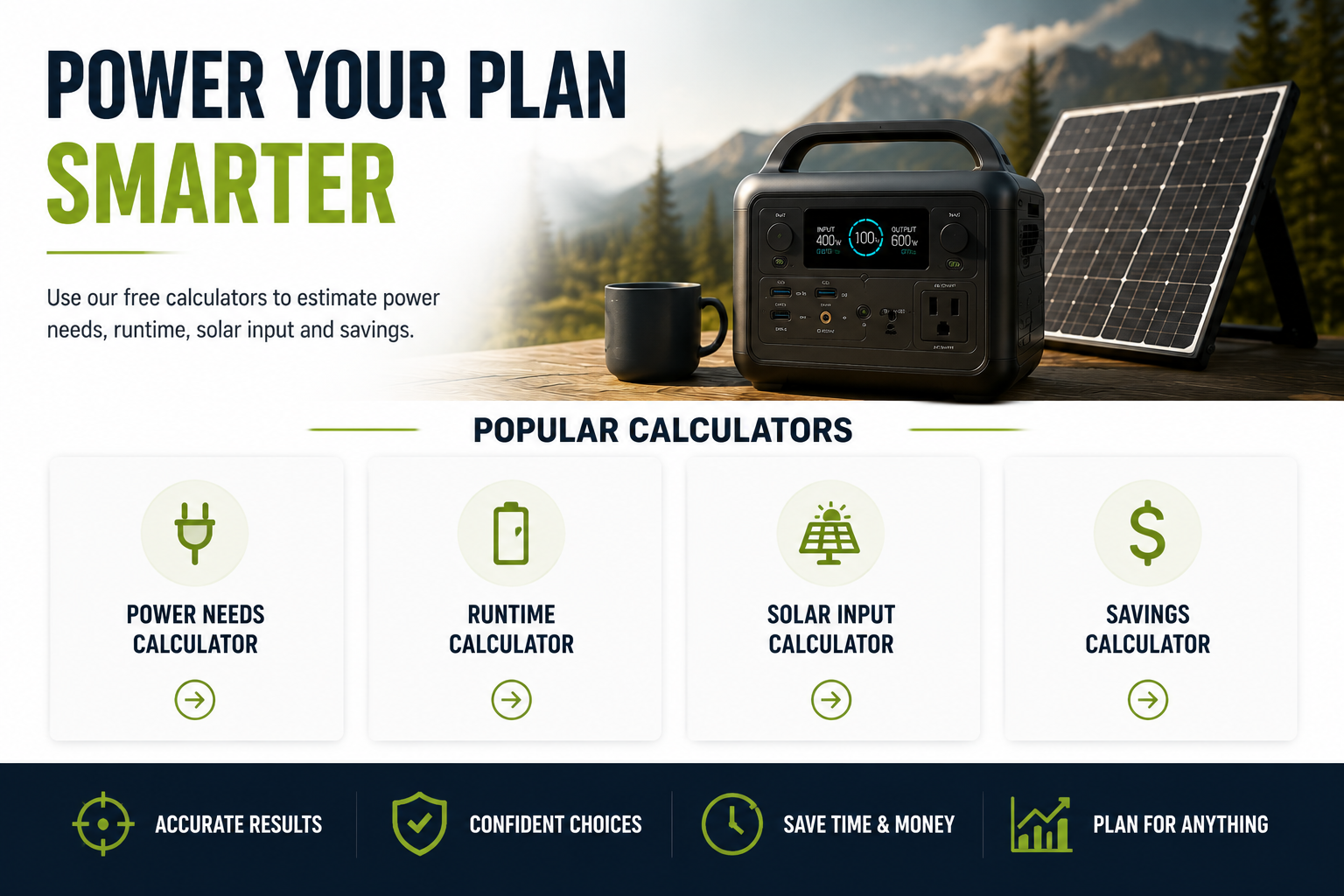
Power, battery and solar calculators
Choose the calculator that matches your current planning question. Use the result as a sizing estimate, then verify the final system against manufacturer specifications and real appliance requirements.
Generator Size Calculator
Estimate the generator wattage needed for your running loads plus the largest startup surge.
Open CalculatorInverter Size Calculator
Estimate continuous inverter output and surge capability for appliances, tools and electronics.
Open CalculatorSolar Panel Size Calculator
Estimate the panel wattage needed to replace your daily energy use within a target charging window.
Open CalculatorBattery Capacity Calculator
Convert appliance load and runtime into a practical battery-capacity target in watt-hours.
Open CalculatorHome Backup Power Calculator
Estimate the battery storage and output needed to support essential household loads during an outage.
Open CalculatorAppliance Wattage Calculator
Add appliance loads and startup demand to estimate the power source required to run them together.
Open CalculatorSolar Charging Time Calculator
Estimate how long solar panels may take to recharge a battery after accounting for real-world losses.
Open CalculatorBattery Charging Time Calculator
Estimate recharge time from charger wattage, battery capacity and charging-efficiency assumptions.
Open CalculatorSolar Battery Bank Calculator
Estimate battery-bank capacity for off-grid loads using daily energy demand and desired autonomy.
Open CalculatorElectricity Cost Calculator
Estimate the electricity cost of charging batteries, running appliances or powering equipment over time.
Open CalculatorPortable Solar Panel Calculator
Estimate portable panel wattage for camping, travel and mobile charging based on your daily energy use.
Open CalculatorBattery Cycle Life Calculator
Explore how cycle count and usage frequency translate into an approximate service-life timeline.
Open CalculatorA better way to size backup power
Use the calculators in this order when you are building a system from scratch.
1Add your loadsList what must run at the same time and account for startup surges. 2Set the runtimeDecide how many hours or days of energy the system must provide. 3Size the batteryConvert load and runtime into usable watt-hours with realistic losses. 4Plan rechargingMake sure wall, solar or generator charging can replenish the energy you use.Got your numbers? Now choose the equipment.
Move from sizing into buying guides, product comparisons or brand research once you know the output, capacity and charging requirements your system needs to meet.
Explore Buying Guides Browse Comparisons Explore Brand Centers