
UPS vs Portable Power Station: Which Backup Is Better?
A UPS is designed to keep electronics running through a sudden outage without an interruption. A portable power station typically stores much more energy for longer outages, but may not transfer quickly enough to protect a desktop PC or networking equipment. Here is how to choose for your actual load.
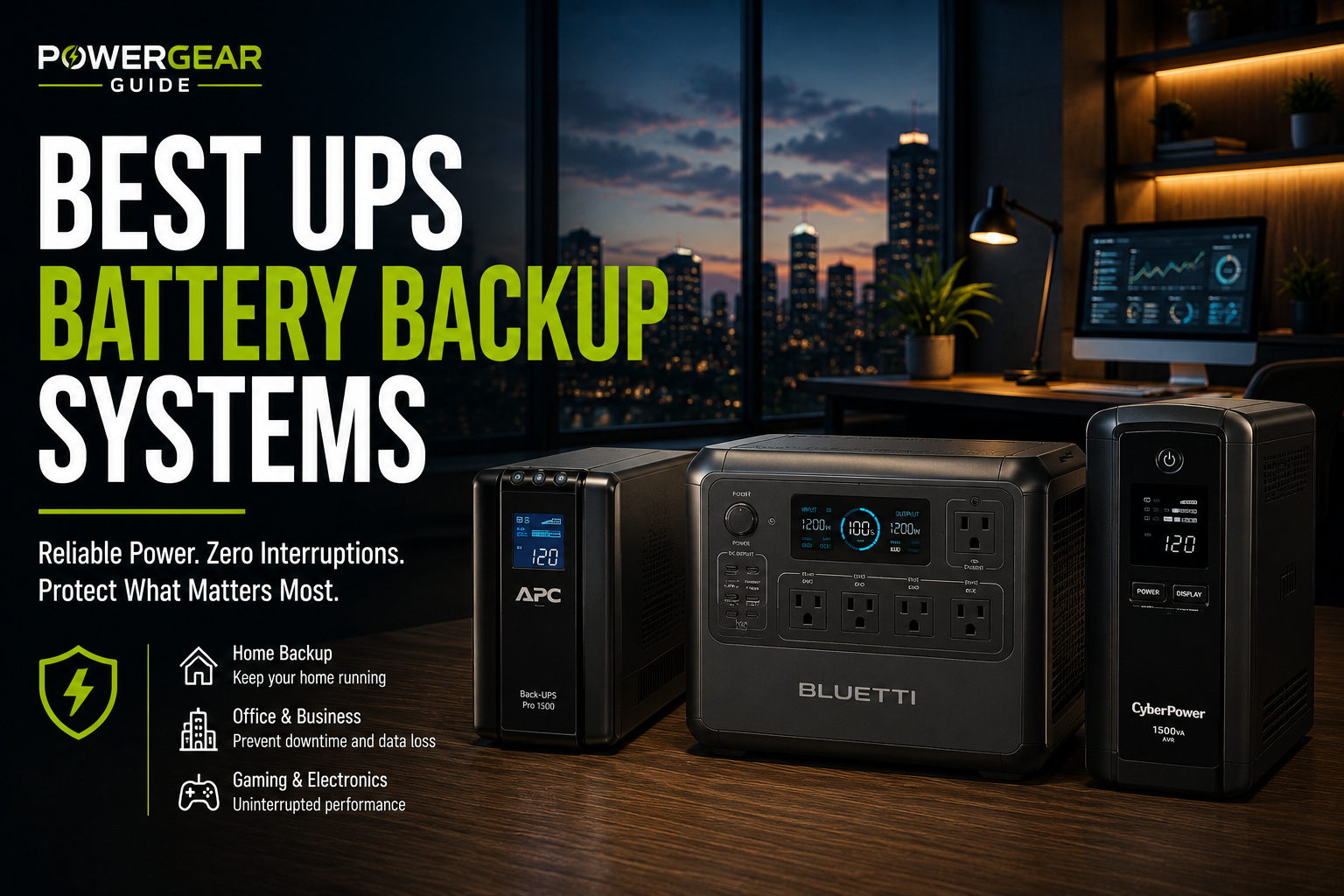
Quick Answer
Choose a purpose-built UPS for a desktop computer, modem, router or NAS that must stay powered during a grid failure. Choose a portable power station for camping, phone charging, lights or longer-duration appliance backup. Some power stations offer UPS or EPS modes, but the transfer time and supported loads vary by model: never assume they are equivalent to a dedicated UPS.
Best Backup Type by Situation
Line-Interactive UPS
Battery-supported outlets and automatic voltage regulation; short transfer time. Check the supported load and shutdown software.
Online Double-Conversion UPS
Continuous inverter-fed output avoids a normal transfer interruption. Higher cost, noise and power consumption.
Portable Power Station
Large watt-hour capacity and portable AC/DC outlets. Transfer behavior varies; not a default replacement for UPS.
UPS + Power Station
UPS protects instant continuity; station supplies longer backup where safely supported. Compatibility, pass-through operation and charging require verification.
UPS vs Power Station Comparison
| Criterion | Dedicated UPS | Portable Power Station |
|---|---|---|
| Primary purpose | Keep equipment on during a power event | Provide portable stored electricity |
| Transfer behavior | Standby/line-interactive usually transfer in milliseconds; online models have no normal transfer interruption | Varies by model; EPS/UPS features may have longer transfer times |
| Typical energy capacity | Often modest; measured in VA/W and battery runtime | Often hundreds to thousands of Wh |
| Runtime | Commonly minutes at substantial loads | Potentially hours, depending on Wh and load |
| Power quality | Depends on topology and sine-wave specification | Depends on inverter output and mode |
| Best fit | Computers, routers, NAS, critical electronics | Camping, outages, lights, portable appliances |
| Charging and installation | Designed for continuously connected loads | Pass-through and transfer capabilities vary |
Detailed Backup Power Analysis
Line-Interactive UPS
Battery-supported outlets and automatic voltage regulation; short transfer time
A line-interactive UPS monitors incoming utility power, regulates common voltage variations and switches to its battery inverter when needed. It is the practical default for a home workstation, modem/router or NAS, provided its watt rating exceeds the measured connected load. Not every UPS outputs a pure sine wave on battery, and not every device tolerates simulated sine output. Check the exact waveform and runtime chart.
Advantages
- Reliable short-outage continuity
- Clear use case when appropriately sized
Trade-offs
- Battery capacity is limited, and runtime falls sharply with higher loads
- Manufacturer specifications and load compatibility must be checked
Best for: For desktop PCs and networking. Important: Check the supported load and shutdown software.
See PricesOnline Double-Conversion UPS
Continuous inverter-fed output avoids a normal transfer interruption
An online double-conversion UPS continuously powers the load from its inverter, with the rectifier and battery system feeding the DC bus. This topology is often used where even a short transfer interruption is unacceptable. It can be excessive for ordinary household electronics because of fan noise, heat, efficiency losses and cost.
Advantages
- Critical devices requiring tight power conditioning
- Clear use case when appropriately sized
Trade-offs
- Higher cost, noise and power use
- Manufacturer specifications and load compatibility must be checked
Best for: For critical electronics. Important: Higher cost, noise and power consumption.
See PricesPortable Power Station
Large watt-hour capacity and portable AC/DC outlets
A portable power station is usually sold by energy capacity in watt-hours and continuous inverter output in watts. It may run low-power devices much longer than a small UPS, but its EPS/UPS mode is not necessarily zero-interruption. A station with a stated 20 ms or 30 ms transfer time might work for some equipment and reset others; only manufacturer compatibility guidance and a real load test can establish suitability.
Advantages
- Longer-duration flexible backup and portable AC/DC energy
- Clear use case when appropriately sized
Trade-offs
- Transfer delay and pass-through limitations vary
- Manufacturer specifications and load compatibility must be checked
Best for: For longer-duration energy. Important: Transfer behavior varies; not a default replacement for UPS.
See PricesUPS + Power Station
UPS protects instant continuity; station supplies longer backup where safely supported
A layered design can use a dedicated UPS for the critical device and a larger battery system for extended outages. But do not assume that plugging a UPS into a power station will work properly: inverter waveform, grounding, neutral bonding, charging behavior and UPS input sensitivity can cause alarms, cycling or failure. Follow both manufacturers instructions and use qualified electrical guidance for permanent installations.
Advantages
- Continuity plus longer outage planning
- Clear use case when appropriately sized
Trade-offs
- Must verify the entire system for electrical compatibility
- Manufacturer specifications and load compatibility must be checked
Best for: For layered resilience. Important: Compatibility, pass-through operation and charging require verification.
See PricesHow to Compare Runtime and Transfer Time
Watt-hours measure energy; watts measure output power
A 1000Wh battery does not deliver 1000W for a guaranteed hour: inverter losses, reserve capacity, temperature and device draw reduce actual runtime. A rough planning estimate is usable battery Wh divided by average AC load W. Compare this against the UPS manufacturer runtime chart at the actual watt load, not the headline VA rating.
Transfer time determines whether electronics reset
A UPS may specify a typical and maximum transfer time, while an online double-conversion design normally does not transfer between utility and inverter power during ordinary outages. A power station advertising EPS or UPS mode may specify a longer interval. Computers with adequate power-supply hold-up time may tolerate some interruptions; networking gear and sensitive devices may not. Check the exact specification and test under load before relying on it.
VA ratings are not battery capacity
A 1500VA UPS is not necessarily a 1500W UPS and does not contain 1500Wh of battery energy. Check both maximum supported watts and the runtime chart. A portable station with 1000Wh energy storage might have a 600W or 1800W inverter; energy and output ratings answer different questions.
Which should you buy for a home office?
For a computer and router that must stay up during brief outages, prioritize a UPS with enough watt capacity and safe automatic shutdown support. For hours of internet and lighting backup, estimate total Wh and consider a larger power station. For both requirements, a carefully validated layered setup may be appropriate.
Important safety limitations
Never connect a power station to household wiring by backfeeding an outlet. Use a properly installed transfer switch or approved interconnection where required. Do not exceed UPS or station output ratings, and never assume every portable station supports continuous pass-through operation or medical/life-support equipment.
Related PowerGearGuide Guides
See our UPS battery backup explainer for UPS fundamentals and UPS battery replacement guide for maintenance. For portable options, explore best portable power stations.
Final Verdict
Choose a dedicated UPS when keeping electronics online without interruption matters most. Choose a portable power station when stored energy and longer-duration flexibility matter most. If you need both, design for continuity first and verify that the larger backup source is electrically compatible with the UPS; a UPS mode label alone does not prove suitability.
Frequently Asked Questions
Can a portable power station replace a UPS?
Only for devices that tolerate its documented transfer behavior and power quality. A power station with EPS mode is not automatically equivalent to a dedicated UPS.
What is the difference between UPS watts and VA?
Watts describe real output power; VA describes apparent power. Both can limit a UPS load. Neither indicates stored battery watt-hours.
How long will a UPS run a desktop computer?
Runtime depends on the UPS battery, computer load and battery condition. Use the manufacturer runtime chart at your measured wattage; many consumer units provide minutes rather than hours at high load.
Is a 20 ms transfer time good enough for a PC?
Some PCs tolerate 20 ms, but others may reboot depending on power supply hold-up time and load. Verify compatibility and test before relying on it.
Can I plug a UPS into a portable power station?
Sometimes, but the two devices may be incompatible because of inverter waveform, grounding, input voltage/frequency behavior or charging cycles. Confirm with both manufacturers before using this arrangement.
What is better for a router during a power outage?
A suitably sized UPS is a strong choice when uninterrupted networking matters. A DC-specific mini UPS may be more efficient for compatible routers; check voltage, polarity and load.
Does a power station provide surge protection?
Do not assume it offers the same surge-protection or voltage-conditioning behavior as a UPS. Check the specific station manual and connected-device requirements.
Should I buy an online UPS for my home office?
Usually a quality line-interactive UPS is sufficient for a typical home office. Online UPS equipment is more appropriate when zero normal transfer interruption and tighter conditioning justify the additional cost and noise.
Sources and Editorial Methodology
This guide compares device categories and common UPS topologies; it is not based on hands-on runtime testing. Always verify manufacturer documentation for the exact device model and revision.