
Best UPS for NAS Devices
NAS protection depends on communication support, graceful shutdown and enough runtime for disks to stop safely.
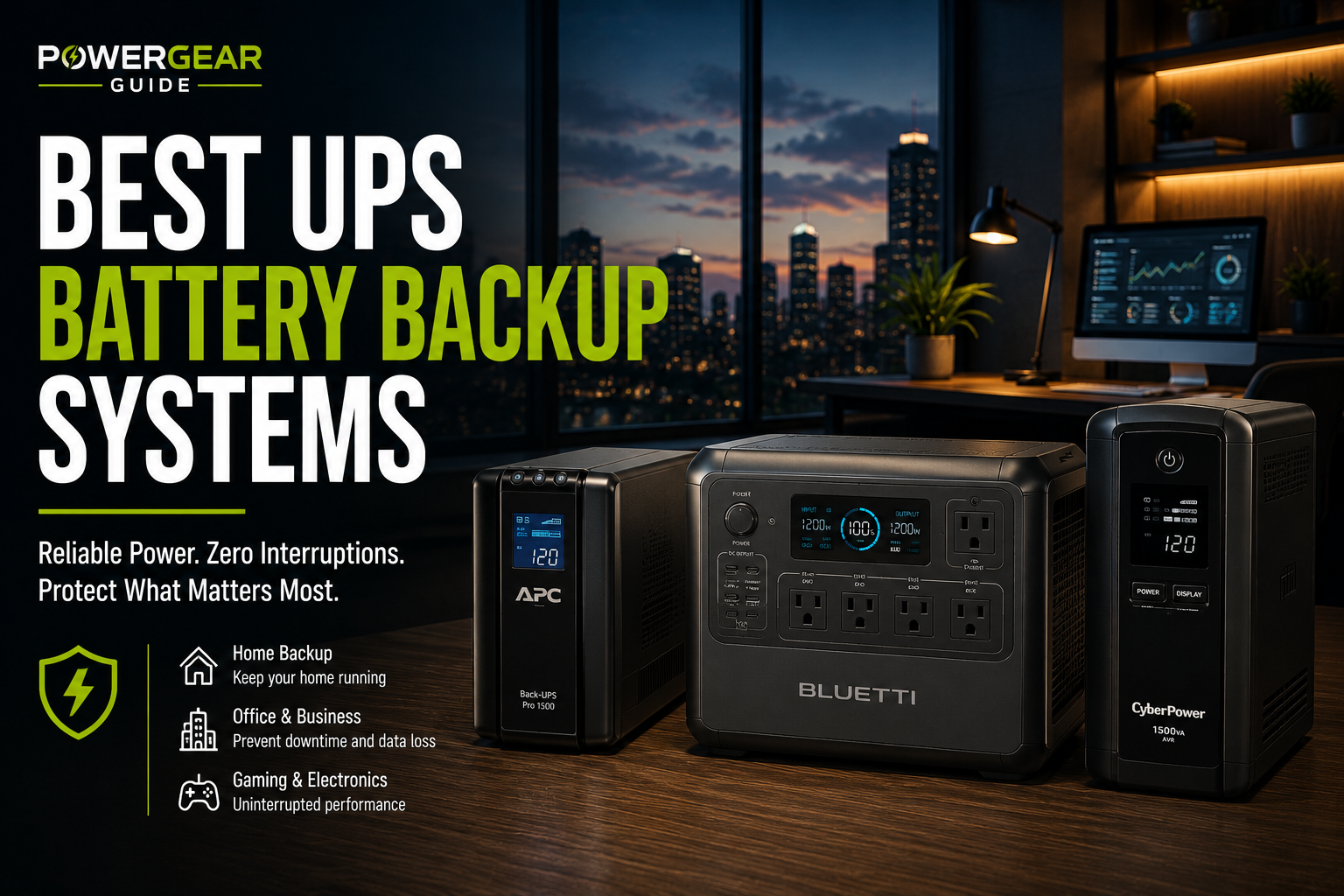
NAS protection depends on communication support, graceful shutdown and enough runtime for disks to stop safely.
The best NAS UPS is not necessarily the largest; compatibility with USB or network shutdown is equally important.
Communication support matters as much as battery size.
Best Match for This Use Case
APC Smart-UPS models are the best managed choice; CyberPower CP1500PFCLCD is the best value for a NAS plus router and switch.
Editor's Verdict
APC Smart-UPS models are the best managed choice; CyberPower CP1500PFCLCD is the best value for a NAS plus router and switch.
Top Picks
APC Smart-UPS SMT1500C
1500VA-class pure sine-wave UPS with SmartConnect monitoring.
APC SMT1500RM2UC
2U rackmount Smart-UPS with sine-wave output and network monitoring.
CyberPower CP1500PFCLCD
1500VA/1000W pure sine-wave UPS with twelve outlets.
APC BR1500MS2
1500VA/900W sine-wave UPS with AVR and ten outlets.
Eaton 5S1500LCD
1500VA/900W line-interactive UPS rated below 25 dB.
Quick Comparison
| Model | Capacity | Management | Form | Best For |
|---|---|---|---|---|
| APC SMT1500C | 1500VA class | SmartConnect / USB | Tower | Best managed |
| APC SMT1500RM2UC | 1440VA / 1000W | SmartConnect / USB | 2U rack | Rack NAS |
| CyberPower CP1500PFCLCD | 1500VA / 1000W | USB / PowerPanel | Tower | Value |
| APC BR1500MS2 | 1500VA / 900W | USB | Tower | Home NAS |
| Eaton 5S1500LCD | 1500VA / 900W | USB HID | Slim tower | Quiet NAS |
4. APC Smart-UPS SMT1500C
1500VA-class pure sine-wave UPS with SmartConnect monitoring.
SMT1500C is a better fit than consumer models when remote status, business-grade monitoring and long support life matter.
It suits NAS devices, servers, network closets and small-business systems.
Why It Stands Out
- SmartConnect monitoring
- Pure sine wave
- AVR
- Replaceable battery
- Business ecosystem
What to Consider
- Higher cost
- Heavier
- Fewer consumer ports
- Not zero-transfer
Best for: NAS, small servers and business networks.
5. APC SMT1500RM2UC
2U rackmount Smart-UPS with sine-wave output and network monitoring.
This model fits home labs, NAS racks and network cabinets that need graceful shutdown support and managed monitoring.
Its rack form factor keeps equipment organized and supports professional cable routing.
Why It Stands Out
- Rackmount form
- 1000W output
- Sine wave
- SmartConnect
- Graceful shutdown support
What to Consider
- Rack required
- Heavy
- Premium price
- Battery replacement cost
Best for: home labs, NAS racks and compact server cabinets.
2. CyberPower CP1500PFCLCD
1500VA/1000W pure sine-wave UPS with twelve outlets.
CP1500PFCLCD offers more real watt capacity than many consumer 1500VA rivals and is designed for active-PFC computer power supplies.
Its PowerPanel software, network protection and twelve outlets make it a strong value for desktops and entertainment systems.
Why It Stands Out
- 1000W output
- Pure sine wave
- Twelve outlets
- PowerPanel software
- Strong value
What to Consider
- Short full-load runtime
- Large footprint
- Not zero-transfer
- Battery replacement required
Best for: gaming PCs, workstations and high-draw offices.
1. APC BR1500MS2
1500VA/900W sine-wave UPS with AVR and ten outlets.
BR1500MS2 is a strong all-around tower UPS for office desktops, monitors, networking gear and active-PFC power supplies.
Its AVR, USB-A/C charging and replaceable battery make it practical for long-term household use.
Why It Stands Out
- Sine-wave output
- AVR
- Ten outlets
- LCD
- Replaceable battery
What to Consider
- Not online topology
- Runtime falls quickly at high load
- Large tower
- Only some outlets are battery backed
Best for: home offices and mixed electronics.
3. Eaton 5S1500LCD
1500VA/900W line-interactive UPS rated below 25 dB.
Eaton 5S1500LCD is attractive for offices and bedrooms where fan and transformer noise matter.
Its narrow tower form can also fit beside or under a desk without consuming much floor space.
Why It Stands Out
- Very quiet
- Slim footprint
- USB HID support
- Ten outlets
- AVR
What to Consider
- Waveform documentation must be checked for exact use
- Fewer consumer extras
- Replacement ecosystem smaller
- Not rackmount
Best for: quiet desks, bedrooms and low-noise workspaces.
How to Choose
Check the NAS Compatibility List
USB recognition is model dependent.
Enable Graceful Shutdown
Configure the NAS to enter safe mode before battery exhaustion.
Back Up Network Gear
The switch and router may be needed for shutdown communication.
Size for Disk Count
More drives and expansion units increase load.
Use Network UPS Server Carefully
One UPS can coordinate several supported NAS devices.
Test the Shutdown Sequence
Simulate a safe outage before relying on it.
NAS Shutdown Configuration
Synology DSM supports USB UPS connections and can relay UPS status to other permitted Synology devices through its Network UPS Server function. Always verify the current compatibility list for the exact NAS and UPS model.
Frequently Asked Questions
Does a NAS need a UPS?
Yes, it reduces risk of data corruption and interrupted writes.
How does the NAS know power failed?
Through USB or network communication with a compatible UPS.
How much runtime is enough?
Usually enough to enter safe mode and complete shutdown.
Can one UPS protect two NAS devices?
Some platforms support network UPS server functions.
Should the router and switch be connected?
Yes when network communication is required for coordinated shutdown.
Is pure sine wave necessary for NAS?
It is preferred, especially for server-class power supplies.