
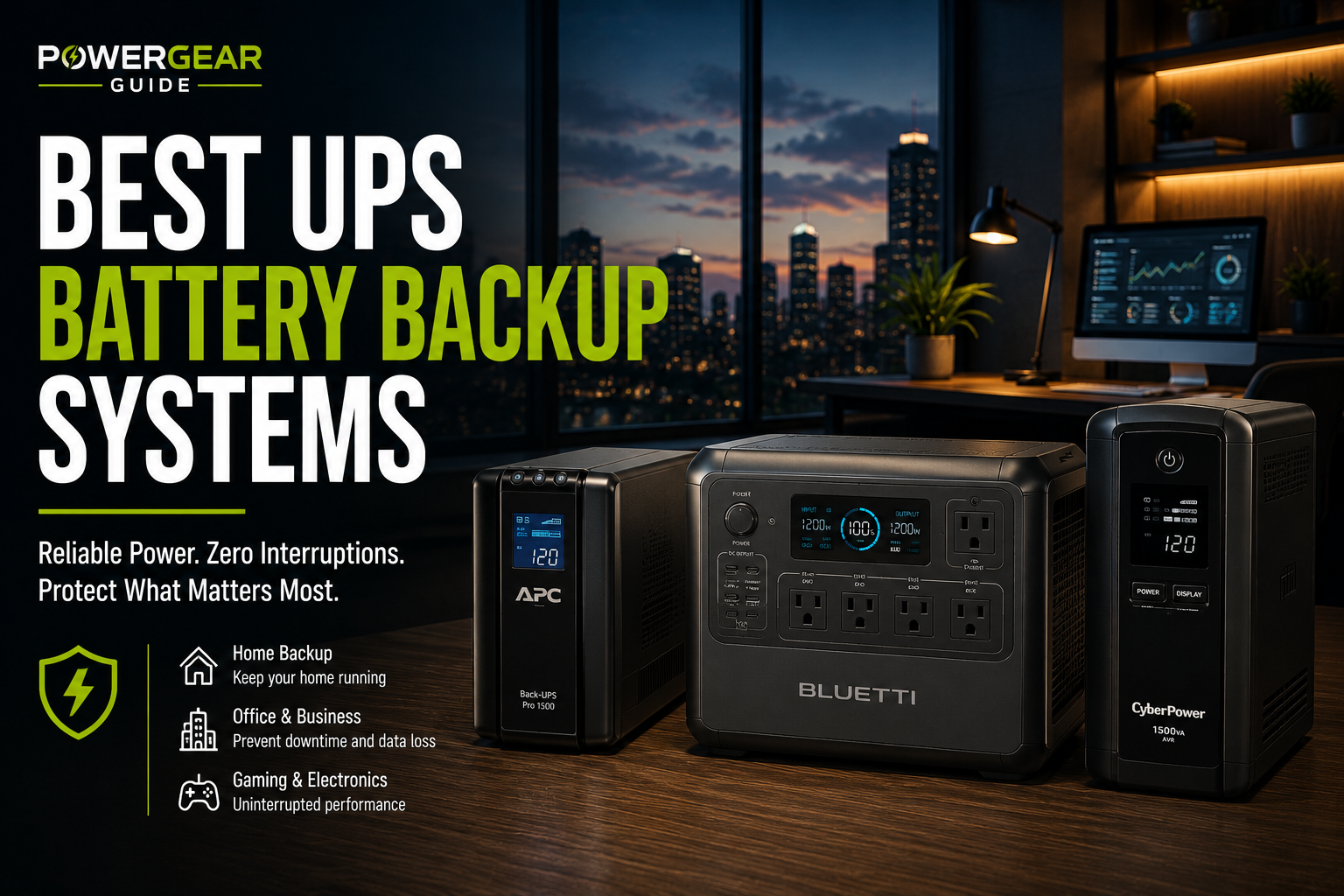
Best UPS for Smart Homes
Smart-home continuity depends on keeping the network, hub, bridges and security controllers online—not every connected device.
A smart-home UPS should prioritize the modem or ONT, router, primary hub, security panel and key bridges.
Choose based on the number of critical controllers and whether a NAS or PoE switch is included.
Best Match for This Use Case
Eaton 5S1500LCD is best for quiet smart-home closets, APC BR1500MS2 is the best general choice, and Smart-UPS models are best for managed racks with PoE switches and NAS devices.
Editor's Verdict
Eaton 5S1500LCD is best for quiet smart-home closets, APC BR1500MS2 is the best general choice, and Smart-UPS models are best for managed racks with PoE switches and NAS devices.
Top Picks
Eaton 5S1500LCD
1500VA/900W line-interactive UPS rated below 25 dB.
APC BR1500MS2
1500VA/900W sine-wave UPS with AVR and ten outlets.
CyberPower CP1500PFCLCD
1500VA/1000W pure sine-wave UPS with twelve outlets.
APC Smart-UPS SMT1500C
1500VA-class pure sine-wave UPS with SmartConnect monitoring.
APC SMT1500RM2UC
2U rackmount Smart-UPS with sine-wave output and network monitoring.
Quick Comparison
| Model | Capacity | Noise / Monitoring | Best Load | Best For |
|---|---|---|---|---|
| Eaton 5S1500LCD | 1500VA / 900W | <25 dB | Hubs + network | Quiet closet |
| APC BR1500MS2 | 1500VA / 900W | LCD / USB | Mixed smart-home gear | Best overall |
| CyberPower CP1500PFCLCD | 1500VA / 1000W | PowerPanel | PoE switch + NAS | High load |
| APC SMT1500C | 1500VA class | SmartConnect | Managed controllers | Advanced smart home |
| APC SMT1500RM2UC | 1440VA / 1000W | Rack monitoring | Rack + PoE | Best rack |
3. Eaton 5S1500LCD
1500VA/900W line-interactive UPS rated below 25 dB.
Eaton 5S1500LCD is attractive for offices and bedrooms where fan and transformer noise matter.
Its narrow tower form can also fit beside or under a desk without consuming much floor space.
Why It Stands Out
- Very quiet
- Slim footprint
- USB HID support
- Ten outlets
- AVR
What to Consider
- Waveform documentation must be checked for exact use
- Fewer consumer extras
- Replacement ecosystem smaller
- Not rackmount
Best for: quiet desks, bedrooms and low-noise workspaces.
1. APC BR1500MS2
1500VA/900W sine-wave UPS with AVR and ten outlets.
BR1500MS2 is a strong all-around tower UPS for office desktops, monitors, networking gear and active-PFC power supplies.
Its AVR, USB-A/C charging and replaceable battery make it practical for long-term household use.
Why It Stands Out
- Sine-wave output
- AVR
- Ten outlets
- LCD
- Replaceable battery
What to Consider
- Not online topology
- Runtime falls quickly at high load
- Large tower
- Only some outlets are battery backed
Best for: home offices and mixed electronics.
2. CyberPower CP1500PFCLCD
1500VA/1000W pure sine-wave UPS with twelve outlets.
CP1500PFCLCD offers more real watt capacity than many consumer 1500VA rivals and is designed for active-PFC computer power supplies.
Its PowerPanel software, network protection and twelve outlets make it a strong value for desktops and entertainment systems.
Why It Stands Out
- 1000W output
- Pure sine wave
- Twelve outlets
- PowerPanel software
- Strong value
What to Consider
- Short full-load runtime
- Large footprint
- Not zero-transfer
- Battery replacement required
Best for: gaming PCs, workstations and high-draw offices.
4. APC Smart-UPS SMT1500C
1500VA-class pure sine-wave UPS with SmartConnect monitoring.
SMT1500C is a better fit than consumer models when remote status, business-grade monitoring and long support life matter.
It suits NAS devices, servers, network closets and small-business systems.
Why It Stands Out
- SmartConnect monitoring
- Pure sine wave
- AVR
- Replaceable battery
- Business ecosystem
What to Consider
- Higher cost
- Heavier
- Fewer consumer ports
- Not zero-transfer
Best for: NAS, small servers and business networks.
5. APC SMT1500RM2UC
2U rackmount Smart-UPS with sine-wave output and network monitoring.
This model fits home labs, NAS racks and network cabinets that need graceful shutdown support and managed monitoring.
Its rack form factor keeps equipment organized and supports professional cable routing.
Why It Stands Out
- Rackmount form
- 1000W output
- Sine wave
- SmartConnect
- Graceful shutdown support
What to Consider
- Rack required
- Heavy
- Premium price
- Battery replacement cost
Best for: home labs, NAS racks and compact server cabinets.
How to Choose
Prioritize the Network Core
Without router and switch power, many automations fail.
Back Up the Main Hub
Keep Home Assistant, SmartThings, Hubitat or similar controllers online.
Include Bridges
Zigbee, Z-Wave and lighting bridges may each need power.
Check PoE Load
Cameras and access points can raise demand quickly.
Separate Noncritical Devices
Speakers and displays may not need battery backup.
Test Offline Behavior
Confirm which automations work without cloud access.
Recommended Smart-Home Backup Architecture
Use one UPS for the network core and controller stack, then a separate larger backup source for household circuits if longer runtime is required. This keeps automation logic online even when noncritical devices are intentionally shed.
Frequently Asked Questions
What smart-home devices should use a UPS?
The modem or ONT, router, hub, security controller, bridges and key network switches.
Do smart bulbs need a UPS?
Not individually; the lighting circuit still needs household power.
Can a UPS keep cameras running?
Yes if cameras are powered through a backed-up PoE switch or local adapters.
How long will a smart-home UPS last?
It depends on the network and PoE load; low-power hubs may run for hours.
Should Home Assistant use a UPS?
Yes, especially when it runs on a mini PC or server.
Will cloud automations still work?
Only if internet service remains available upstream.