
Pure Sine Wave UPS vs Simulated Sine Wave: Which Is Better?
Pure sine wave UPS systems are generally the safer compatibility choice for modern gaming PCs, workstations, servers and sensitive electronics. Simulated sine wave UPS models can still be a sensible, lower-cost solution for equipment confirmed to support them.
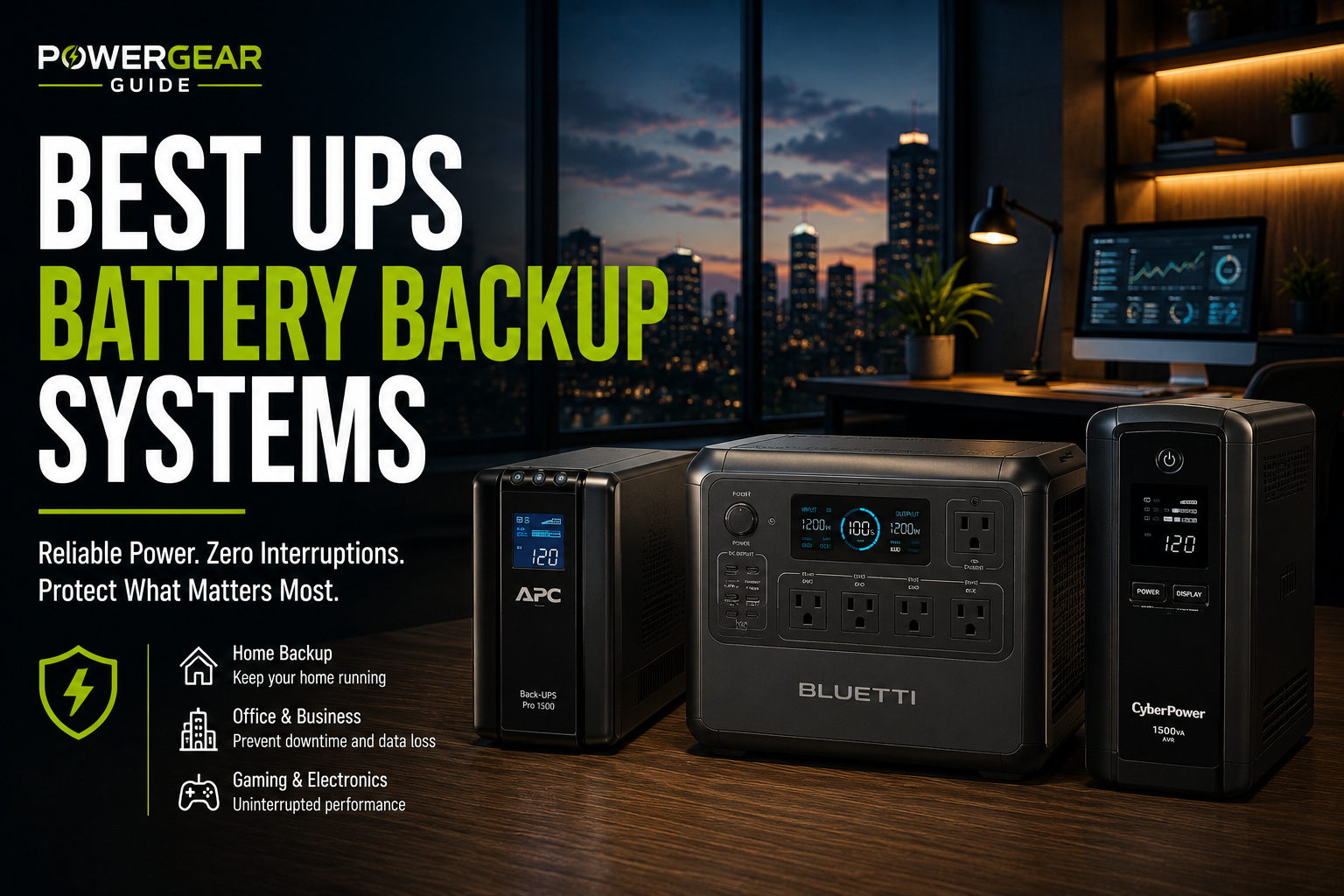
Quick Verdict: Which UPS Should You Buy?
Choose pure sine wave for a modern desktop PC with active PFC, gaming equipment, a workstation, NAS or server when compatibility is uncertain. It is generally the more conservative choice because its battery-mode waveform more closely resembles normal utility AC.
Choose simulated sine wave when your devices explicitly support it, the load is within the UPS ratings, and the savings justify the compatibility trade-off.
Do not choose by waveform alone. UPS output watts, VA rating, battery runtime, transfer time, topology and shutdown support are just as important.
The shopping button opens a category search, not a specific product listing. Verify each model's specifications before purchasing.
What Is the Difference Between Pure and Simulated Sine Wave?
A pure sine wave UPS produces a smooth sinusoidal AC waveform while running from its battery. This is designed to resemble the AC power normally supplied by the electrical grid.
A simulated sine wave UPS produces a stepped approximation of that waveform. It can power many electronic devices successfully, but some power supplies may respond poorly to the stepped output.
Pure Sine Wave UPS
Designed for broader compatibility with modern computer power supplies and other electronics that may be sensitive to battery-mode waveform quality.
- More conservative choice for active-PFC power supplies
- Often found in premium UPS models
- Typically costs more than basic alternatives
Simulated Sine Wave UPS
Uses a modified or stepped AC waveform while operating on battery power.
- Can work well with compatible equipment
- Often available at lower prices
- May create compatibility problems with some power supplies
Pure Sine Wave vs Simulated Sine Wave UPS: Comparison
| Feature | Pure Sine Wave | Simulated Sine Wave |
|---|---|---|
| Battery-mode output | Smooth sinusoidal waveform | Stepped approximation |
| Modern active-PFC PCs | Generally preferred | Compatibility varies |
| Gaming PCs | Conservative choice | Confirm compatibility first |
| Routers and modems | Often suitable | May be suitable |
| Servers and NAS | Generally preferred | Requires specific validation |
| Typical cost | Often higher | Often lower |
| Transfer time | Depends on topology | Depends on topology |
| Runtime | Depends on battery and load | Depends on battery and load |
| Best reason to buy | Reduce waveform compatibility uncertainty | Lower-cost backup for compatible equipment |
Neither type is automatically better at every task. The right purchase depends on the equipment connected to the UPS and the exact manufacturer's specifications.
Why Active PFC Matters for Gaming PCs and Workstations
Many modern desktop power supplies use active power factor correction (active PFC). These power supplies are designed to manage their input current efficiently, but some may not operate reliably with certain simulated sine wave outputs.
Possible compatibility symptoms during battery operation include a computer restart, unexpected shutdown, buzzing or UPS overload behavior.
That does not mean every active-PFC power supply will fail with simulated sine wave power. Compatibility depends on the specific power supply, UPS and operating load.
For a gaming PC
Start by measuring or estimating actual wall power consumption. An 850W-rated PC power supply does not necessarily draw 850W continuously. Select a UPS that supports the actual load with sufficient headroom and provides enough runtime for a safe shutdown.
For a NAS or server
Look beyond the waveform. Verify shutdown signaling, compatible management software, transfer behavior and the runtime needed to complete a controlled shutdown.
Recommended UPS Shopping Options by Use Case
Rather than treating every UPS as interchangeable, start with the type of equipment you need to protect. The links below are clearly labeled Amazon shopping searches; they are not verified individual-product listings or claims that every search result meets the stated requirements.
Pure Sine Wave UPS — 1500VA Class
A useful category to investigate for many desktop PC setups. Check the actual watt rating, active-PFC compatibility, transfer behavior and runtime at your measured load.
Look for: explicit pure sine wave battery output, adequate watts, replaceable battery support and USB shutdown features where needed.
Avoid if: the actual PC and monitor load exceeds the unit's continuous rating.
Compare Current OptionsPure Sine Wave UPS With Shutdown Support
Prioritize compatibility with your NAS or server, sufficient runtime for graceful shutdown, and the communication interface required by its management software.
Look for: documented shutdown integration, replaceable batteries and appropriate output capacity.
Avoid if: the UPS lacks the signaling interface your equipment requires.
Compare Current OptionsLine-Interactive UPS
A line-interactive UPS can be a practical choice for ordinary home-office protection. Choose the waveform based on device compatibility rather than assuming all line-interactive models use the same output.
Look for: sufficient watts, appropriate outlet configuration and a runtime chart for your load.
Avoid if: you need a transfer behavior or waveform that the model cannot provide.
Compare Current OptionsSimulated Sine Wave UPS
Potentially cost-effective for routers, modems and other electronics when the connected equipment permits a stepped waveform.
Look for: clearly stated battery-mode waveform, watt capacity and manufacturer compatibility guidance.
Avoid if: your equipment requires pure sine wave output or its compatibility is unknown and failure would be costly.
Compare Current OptionsShopping searches are provided for product discovery. Confirm the specifications of the exact listing and variant before ordering.
Which Devices Need Pure Sine Wave Power?
| Equipment | Preferred Approach | Critical Check |
|---|---|---|
| Gaming PC | Prefer pure sine wave | Actual watts and PSU compatibility |
| Workstation | Prefer pure sine wave | Peak load and transfer requirements |
| NAS / server | Prefer pure sine wave | Shutdown communication and runtime |
| Router / modem | Either may work | Power-adapter compatibility |
| Monitor | Depends on model | Input requirements and load |
| Audio electronics | Pure sine may be preferable | Manufacturer guidance |
| Critical medical equipment | Device-specific validated backup | Clinical and manufacturer requirements |
Medical equipment
Do not select a UPS for life-support or other critical medical equipment based only on its waveform. Confirm the medical device manufacturer's requirements and obtain appropriate professional guidance for backup duration, alarms and continuity planning.
Laser printers and motor-driven appliances
Many UPS systems are not designed for high-draw printers, heaters, pumps or compressors. Check the UPS manufacturer's supported-load restrictions. A pure sine wave label does not override the unit's output limits.
Pure Sine Wave Does Not Mean Zero Transfer Time
UPS waveform and UPS topology describe different things.
Standby UPS
Normally supplies utility power and switches to inverter power when an outage occurs. Transfer time varies by model.
Line-Interactive UPS
Typically adds voltage regulation and switches to battery when needed. Both pure and simulated sine wave models exist.
Online Double-Conversion UPS
Uses continuous power conversion under normal operation and is designed for more demanding power-protection applications.
Portable Power Station With UPS Mode
May provide automatic backup switching, but transfer time, output limits and compatibility are product-specific. It is not automatically equivalent to a dedicated UPS.
A pure sine wave line-interactive UPS may still have a finite transfer interval. For equipment sensitive to interruption, verify the manufacturer's stated transfer characteristics and the connected equipment's tolerance.
How to Choose the Right UPS Capacity
1. Measure your connected load
Add the expected power draw of the devices you want to protect. Use measured wall consumption where practical.
2. Compare watts and VA
A UPS rated at 1500VA / 900W is not a 1500W UPS. Your equipment must remain within both relevant ratings.
3. Allow reasonable headroom
Suppose a computer draws 320W and a monitor draws 40W. Their combined expected load is 360W.
Using a 25% planning margin:
320W + 40W = 360W
360W × 1.25 = 450W
This suggests looking beyond a 450W continuous output rating, subject to the actual device requirements, transient loads and UPS manufacturer's guidance.
4. Check runtime at the actual load
Battery runtime depends on stored energy, load, conversion efficiency and battery condition—not waveform alone. Review the manufacturer's runtime chart for the exact UPS at your expected wattage.
5. Confirm shutdown and maintenance
For PCs and NAS systems, confirm compatible shutdown software and communication. Also check battery replacement availability, warranty terms and maintenance requirements.
Common Buying Mistakes
- Buying by VA alone: Always check the watt rating.
- Assuming every active-PFC PSU is incompatible with simulated sine: Compatibility varies by equipment.
- Assuming pure sine guarantees uninterrupted power: Transfer time and topology still matter.
- Ignoring runtime: A high watt rating does not mean a large battery.
- Using the PSU label as actual consumption: Measure or estimate the real AC load.
- Connecting unsupported equipment: Avoid high-draw or motor loads unless explicitly approved.
- Skipping shutdown compatibility: Especially important for servers and NAS devices.
Frequently Asked Questions
Is a pure sine wave UPS worth the extra money?
Often, for modern gaming PCs, workstations and sensitive systems where compatibility is uncertain. For basic devices confirmed to support simulated sine wave output, a lower-cost UPS may be sufficient.
Can simulated sine wave UPS power damage a gaming PC?
Some UPS and power-supply combinations may experience instability, shutdowns or unusual noise on battery power. It is not accurate to claim every simulated sine wave UPS damages gaming PCs. Confirm compatibility with the equipment manufacturer.
Does pure sine wave mean zero transfer time?
No. Waveform and transfer time are separate specifications. Check the UPS topology and its documented transfer behavior.
Does a pure sine wave UPS last longer during an outage?
Not automatically. Runtime depends on the battery, connected load and efficiency. Compare manufacturer runtime charts at the same wattage.
Can I use a portable power station instead of a UPS?
Some portable power stations offer backup-switching features, but transfer behavior, pass-through limits and supported equipment vary. For a computer or server, verify compatibility before relying on the feature.
Should a router use pure sine wave power?
Not necessarily. Many routers use external AC-to-DC adapters, but suitability depends on the adapter and UPS. Follow the device manufacturer's requirements.
Ready to Compare UPS Systems?
Start with your equipment requirements, then compare models with the correct waveform, output rating, runtime and shutdown features.
These links open Amazon search results, not individual product pages. Verify the model and waveform before purchase.
Related Power Gear Guide Resources
UPS Battery Backup Buying Guide
Understand sizing, features and backup runtime before buying.
Read the Guide →Best UPS Battery Backup Systems
Compare dedicated UPS solutions for different equipment needs.
Explore UPS Systems →Best UPS for Gaming PCs
Focus on gaming computer compatibility, wattage and safe shutdown.
Read Gaming PC Guide →UPS Runtime Calculator
Estimate the runtime required for your connected equipment.
Open Calculator →Research and Editorial Method
This guide compares UPS waveform types using electrical operating principles and published manufacturer guidance. It does not claim independent laboratory testing of specific models. For a purchasing decision, consult the exact UPS manual and the connected equipment's requirements.
Manufacturer documentation resources: