
What Is a UPS Battery Backup?
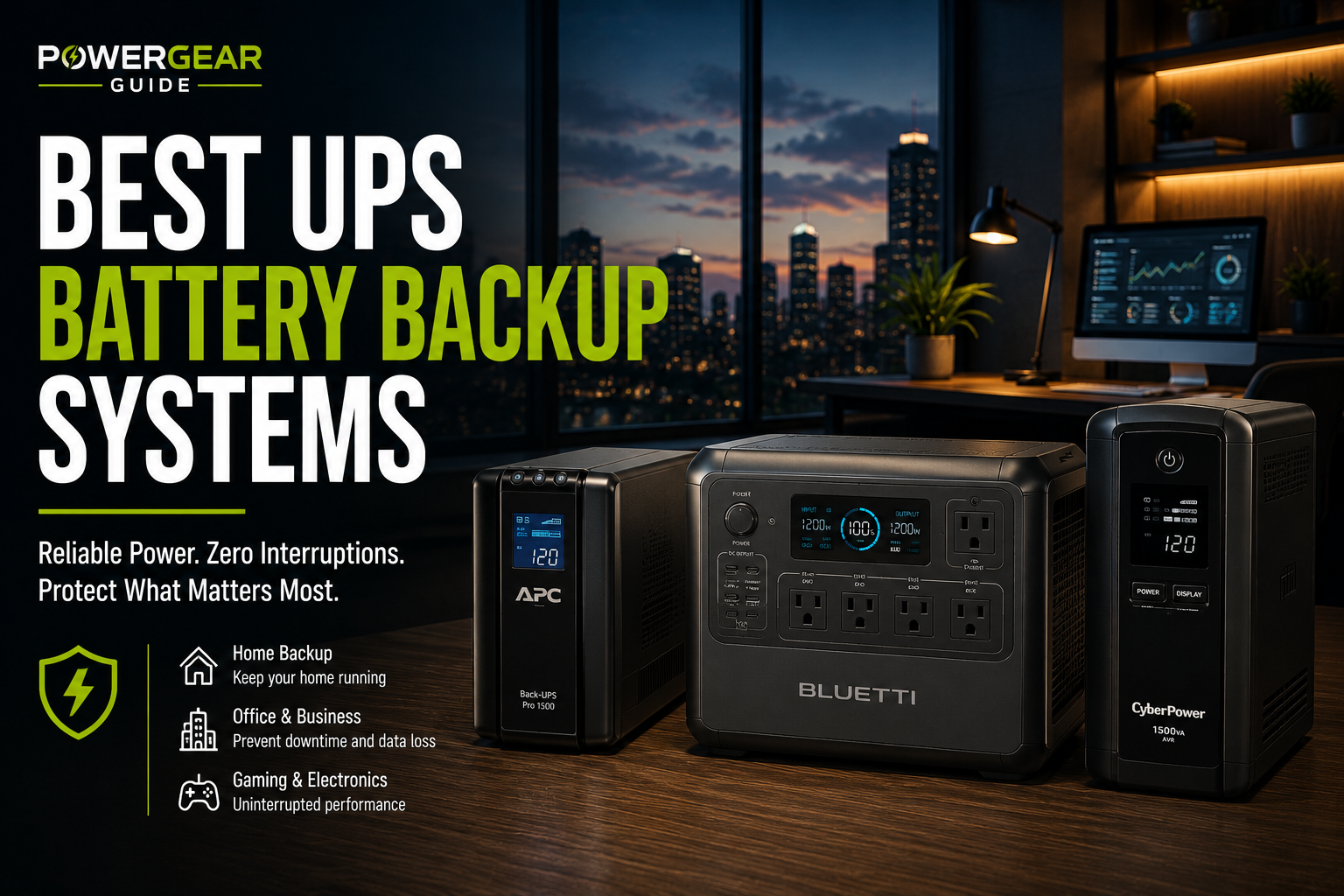
A UPS is a battery-backed device designed to keep electronics online during short outages and support safe shutdown.
UPS systems differ from surge protectors because they include a battery, inverter and transfer system.
They range from compact router backups to online systems for critical servers.
It Provides Immediate Short-Term Power and Conditioning
A UPS keeps connected electronics running during an outage, often long enough to ride through a short interruption or shut down safely.
Who Should Buy One
UPS systems are essential for desktops, NAS devices, servers, routers and smart-home controllers, but not for high-draw appliances.
What a UPS Is
An uninterruptible power supply is a battery-backed device that keeps connected equipment operating during short outages and can condition utility power.
Main Components
Battery
Stores short-duration energy.
Inverter
Creates AC during battery use.
Charger
Maintains the battery.
Transfer System
Moves the load to battery.
AVR
Corrects voltage.
Communication Port
Supports shutdown software.
UPS Topologies
| Topology | Operation | Best Use |
|---|---|---|
| Standby | Transfers after failure | Routers and basic electronics |
| Line interactive | Adds AVR | Home offices, PCs and NAS |
| Online double conversion | Continuously powers through inverter | Critical servers and sensitive systems |
How Long It Runs
Runtime depends on battery size and connected watts. Manufacturer runtime charts are more reliable than simple linear estimates.
Output Waveform
Pure sine wave is preferred for active-PFC computers and sensitive electronics.
Common Uses
Home Offices
Save work.
NAS Devices
Prevent abrupt writes.
Servers
Maintain continuity.
Routers
Keep internet online.
Smart Homes
Maintain hubs.
Medical Equipment
Only when approved.
Limitations
Short Runtime
Most consumer units are not long-duration.
Battery Aging
Replacement is required.
Load Limits
VA and watts differ.
Not for Appliances
High-draw loads overload them.
Transfer Time
Not all are zero-transfer.
Maintenance
Testing is required.
How to Choose
Measure Load Watts
Include all protected equipment.
Choose Topology
Match risk.
Select Waveform
Use sine wave for sensitive loads.
Set Runtime Goal
Ride-through or shutdown.
Check Communication
USB or network may matter.
Review Battery Availability
Affects ownership value.
Frequently Asked Questions
What does UPS stand for?
Uninterruptible Power Supply.
Is it a surge protector?
It includes battery backup and often surge protection.
How long does it run?
Minutes to hours depending on load.
What is line interactive?
A topology with AVR and battery transfer.
What is online UPS?
A double-conversion design.
Can it power appliances?
Consumer models are for electronics, not high-draw appliances.