
Best UPS for NAS Devices: Battery Backup for Synology, QNAP & Home Servers
Protect your NAS against sudden power loss with a properly sized uninterruptible power supply. Compare CyberPower and APC options, understand USB shutdown compatibility, and choose enough battery runtime for your storage system.
Compare NAS UPS Options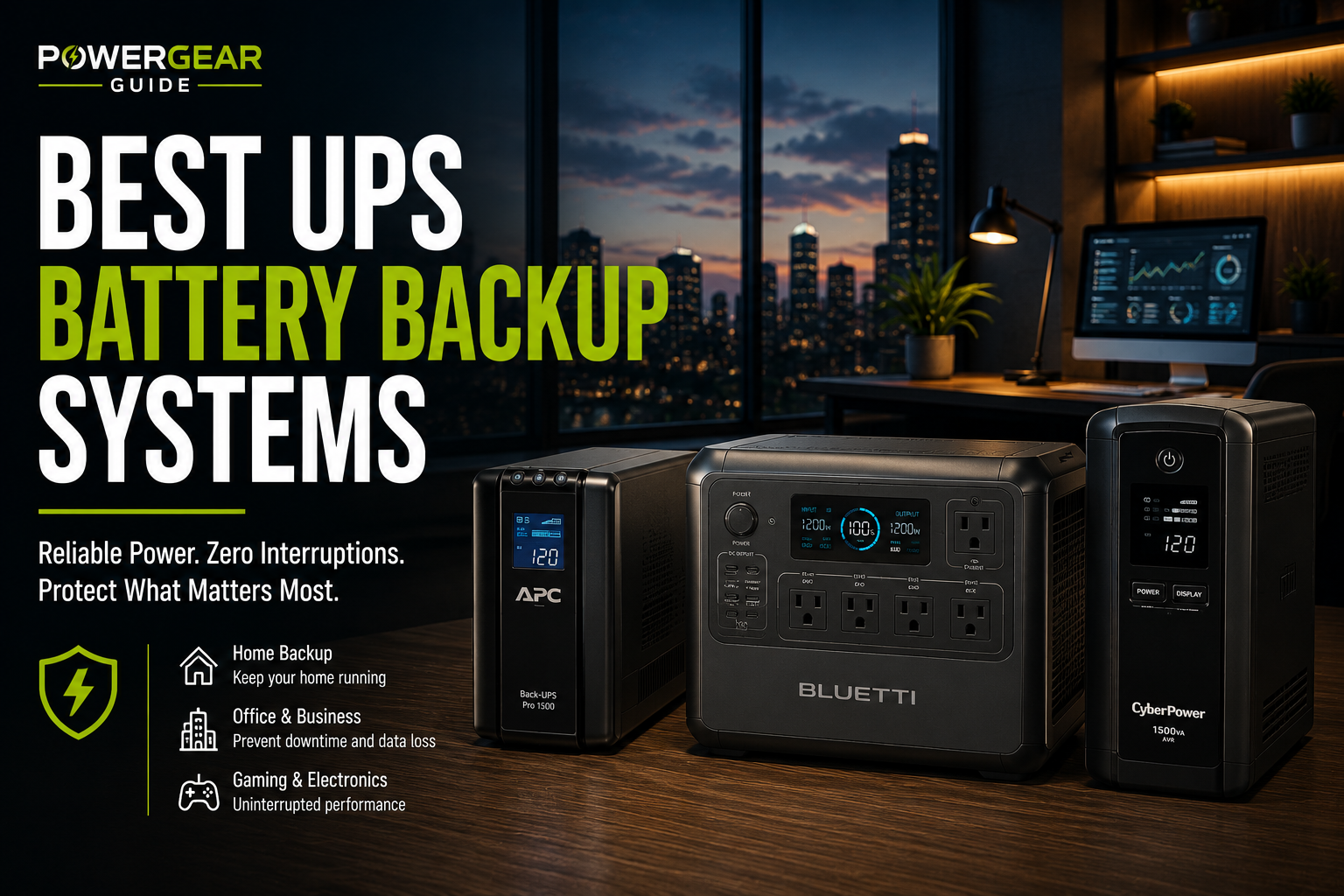
Affiliate disclosure: As an Amazon Associate, Power Gear Guide earns from qualifying purchases. Our shopping links may generate commissions at no additional cost to you. Buttons open Amazon searches for the specified models; confirm the model number, specifications, seller and compatibility before buying.
A NAS can run for months without being switched off, quietly storing family photos, business files, backups and media libraries. But a single unexpected power interruption can force an abrupt shutdown while the NAS is writing data, updating metadata or rebuilding a storage array.
A UPS is designed to prevent that abrupt loss of power. The best UPS for a NAS does more than keep its power supply running for a few minutes: it can also communicate with the NAS so the operating system knows when utility power has failed and can enter a safe state before the battery runs out.
Quick Answer: Which UPS Should You Buy for a NAS?
Best all-around choice for a NAS plus networking equipment: CyberPower CP1500PFCLCD. Its 1500VA/1000W rating, sine-wave battery output and USB communication make it a strong candidate for a more demanding setup, subject to NAS compatibility verification.
Best APC alternative: APC Back-UPS Pro BR1500MS2. It offers a 1500VA/900W rating, sine-wave output, automatic voltage regulation and a replaceable battery.
Best compact option for a modest setup: APC BE600M1. Its 600VA/330W rating can suit a lower-power NAS and networking devices, but its USB charging port must not be confused with NAS shutdown communication. Verify its data connection and exact NAS compatibility before selecting it for automatic shutdown.
Most important buying rule: Check the NAS manufacturer's UPS compatibility list before buying. A higher wattage rating does not guarantee that a UPS can trigger safe shutdown.
Best UPS Battery Backups for NAS Devices
These three models cover different needs: a higher-capacity CyberPower system, an APC alternative with sine-wave output, and a smaller UPS for lighter electrical loads. They are recommendations to evaluate, not guarantees of compatibility with every Synology, QNAP or other NAS.
CyberPower CP1500PFCLCD
A line-interactive sine-wave UPS with generous output capacity for a NAS, router, switch and other appropriately sized equipment.
Best fit: Multi-device NAS setups where USB monitoring and extra output headroom matter.
Check PriceAPC BR1500MS2
A 1500VA Back-UPS Pro model offering sine-wave battery output, automatic voltage regulation and a user-replaceable battery.
Best fit: NAS owners who prefer APC and want a higher-capacity desktop UPS.
Check PriceAPC BE600M1
A compact 600VA UPS suited to modest electrical loads where a larger system would be unnecessary.
Important: Confirm the USB data interface and NAS compatibility. The front USB charging outlet is not the shutdown data connection.
Check PriceNAS UPS Comparison: CyberPower vs. APC
| Feature | CyberPower CP1500PFCLCD | APC BR1500MS2 | APC BE600M1 |
|---|---|---|---|
| Power rating | 1500VA / 1000W | 1500VA / 900W | 600VA / 330W |
| UPS topology | Line-interactive | Line-interactive | Standby |
| On-battery waveform | Sine wave | Sine wave | Stepped approximation |
| Total AC outlets | 12 | 10 | 7 |
| Battery-backed outlets | 6 | 6 | 5 |
| NAS shutdown support | USB HID communication; verify NAS compatibility | Verify USB data communication with NAS model | Verify exact USB data interface and NAS model |
| Primary advantage | Output headroom and sine-wave power | APC ecosystem and replaceable battery | Compact design for modest loads |
Specifications refer to the exact US models named above. Product revisions and regional variants may differ. Outlet counts include surge-only outlets, which do not supply battery power during an outage.
Detailed Reviews: Which NAS UPS Makes the Most Sense?
1. CyberPower CP1500PFCLCD — Best for a NAS and Network Stack
The CyberPower CP1500PFCLCD stands out for users who want to protect more than the NAS itself. With a 1500VA/1000W output rating, six battery-backed outlets, sine-wave battery output and USB HID communication, it provides useful flexibility for a storage setup that also includes networking equipment.
Its line-interactive design incorporates automatic voltage regulation. That matters in locations with occasional voltage fluctuations because the UPS can correct certain input variations without always switching to battery operation.
For NAS owners, the USB HID communication interface is particularly relevant. However, the presence of that interface does not replace checking your NAS manufacturer's supported UPS list.
- 1500VA/1000W output capacity.
- Sine-wave output while operating on battery.
- USB HID communication interface.
- Automatic voltage regulation.
- Six battery-backed AC outlets.
- More capacity than a basic single-NAS setup may require.
- Large and heavy compared with compact UPS units.
- Runtime still depends on the connected load.
- NAS compatibility must be checked separately.
Who should choose it? Someone protecting a NAS, router, network switch and possibly another low-power server who wants a UPS with room for expansion.
Who should skip it? Someone powering only a small NAS who can meet the same shutdown and runtime requirements with a smaller, compatible unit.
Check Price2. APC BR1500MS2 — Best for a Higher-Capacity APC Setup
The APC Back-UPS Pro BR1500MS2 is a strong alternative for NAS owners who prefer APC hardware. It provides a 1500VA/900W rating, sine-wave battery output, automatic voltage regulation and an LCD status display.
Its user-replaceable battery is an important ownership consideration. UPS batteries are consumable components, and the ability to replace the battery can extend the useful life of the equipment when the correct replacement remains available.
For a NAS installation, confirm that the UPS data connection is supported by the specific NAS model and operating system. The USB-A and USB-C charging ports advertised on the product are not, by themselves, evidence of shutdown communication compatibility.
- 1500VA/900W power rating.
- Sine-wave battery output.
- Automatic voltage regulation.
- User-replaceable battery.
- LCD monitoring display.
- Higher-capacity UPS units require more space.
- May be unnecessary for a low-power NAS.
- NAS communication support requires verification.
- Battery replacement adds ongoing ownership cost.
Who should choose it? NAS owners wanting a higher-output APC desktop UPS with replaceable battery support.
Who should skip it? Users who need rack-mount hardware, network management as a core requirement, or a model already known to be incompatible with their NAS.
Check Price3. APC BE600M1 — Best for Smaller Electrical Loads
The APC BE600M1 offers a simpler approach to battery backup. Its 600VA/330W rating and five battery-backed outlets may be enough for a low-power NAS, router and modem, depending on their combined electrical consumption.
Unlike the two larger options, it uses a standby topology and stepped approximation to a sine wave. That is not automatically unsuitable for every NAS, but the NAS power supply's compatibility and the UPS transfer behavior should be checked.
One important source of confusion is its USB port. The unit includes a USB charging port for mobile devices, while product documentation also describes a separate USB data connection. For NAS shutdown use, the data connection and the NAS operating system's recognition of the UPS are what matter.
- Compact footprint.
- 600VA/330W capacity for modest loads.
- Five battery-backed AC outlets.
- Simpler setup for basic equipment protection.
- Less output headroom.
- Stepped battery waveform.
- Shorter runtime at demanding loads.
- Data communication compatibility needs particular attention.
Who should choose it? Owners of low-power NAS systems who have verified that the UPS provides the required shutdown communication and sufficient runtime.
Who should skip it? Anyone with a higher-power NAS, multiple servers or uncertain USB shutdown compatibility.
Check PriceHow Big a UPS Does Your NAS Actually Need?
The correct UPS size depends on the total power draw of everything connected to its battery-backed outlets, not just the number of drive bays in the NAS.
A four-bay NAS with several hard drives may use considerably more power during startup or intensive disk activity than it does while idle. Add a router, switch, modem or other equipment and the total load rises further.
Step 1: Identify the Real Electrical Load
Check the NAS manufacturer's published power consumption figures, including any relevant operating or startup requirements. A wall-plug power meter can help characterize normal operation, but it may not capture the highest short-duration starting load.
| Illustrative setup | NAS load | Other equipment | Combined running load |
|---|---|---|---|
| Small home NAS | 30W | Router: 10W | 40W |
| Multi-bay NAS and network | 65W | Router and switch: 25W | 90W |
| NAS plus home server | 90W | Server and network: 110W | 200W |
These are hypothetical planning examples, not measured consumption figures for specific NAS models.
Step 2: Leave Output Headroom
A UPS rated for 330W can theoretically support a 200W running load within its watt rating, but that does not establish whether it has enough startup headroom or sufficient battery runtime.
For practical planning, avoid sizing a UPS so closely to its maximum output that brief load increases or future equipment additions cause overload warnings.
Step 3: Choose Enough Time for Safe Shutdown
For most NAS users, the objective is not necessarily to keep the NAS running for hours. It is to keep it operating long enough to detect the outage, finish essential operations and enter the NAS operating system's safe shutdown or standby state.
A 1500VA UPS does not contain a guaranteed number of watt-hours just because its output rating is larger. UPS runtime depends on battery design, battery condition, load, temperature and inverter losses. Use the manufacturer's runtime chart for the exact model and compare it with your actual load.
Step 4: Decide Whether the Router and Switch Need Backup
If your NAS receives a shutdown signal directly over USB, it can usually detect the UPS independently of your router. However, if you use network UPS signaling, the network equipment carrying that signal must remain powered during an outage.
Powering the router and switch can also keep local network access available temporarily, although internet connectivity depends on the modem, provider equipment and wider network conditions.
UPS Compatibility with Synology, QNAP and Other NAS Systems
This is the single most important distinction between buying a UPS for a desktop computer and buying one for network-attached storage.
A UPS may deliver perfectly adequate battery power while offering no usable shutdown communication to your NAS. If the battery eventually runs out, the NAS could still lose power unexpectedly.
Synology NAS
Synology DSM provides UPS settings under Control Panel → Hardware & Power → UPS. Supported configurations can use a USB UPS, network UPS or Synology UPS server.
Synology publishes a UPS compatibility list and advises testing the power-failure behavior. The exact NAS model, DSM version and UPS hardware should be considered before purchase.
Official reference: Synology UPS Compatibility List.
QNAP NAS
QNAP systems also offer UPS-related settings on supported devices and operating system versions. The available connection methods and shutdown options vary by model and software release.
Before buying, check QNAP's documentation for your exact NAS model and firmware. Confirm that the intended UPS communication method is supported rather than assuming that any USB-equipped UPS will work.
TrueNAS and Other Home Servers
TrueNAS and Linux-based storage servers may use Network UPS Tools (NUT) or other supported UPS management services. Compatibility depends on the UPS protocol, available drivers and configuration.
For these systems, confirm the exact UPS model and communication protocol against the relevant operating system documentation before purchasing.
A USB-A charging port on the front of a UPS is not the same as a USB data interface used for power-status communication. Check the technical documentation for a USB HID or otherwise supported UPS data connection.
How to Set Up a UPS for a Synology NAS
The general setup below reflects Synology's documented USB UPS workflow. Exact labels and available features may differ between DSM versions and NAS models.
Step-by-Step Setup
- Check compatibility first. Verify that your NAS model supports the selected UPS and communication method.
- Position the UPS safely. Use a suitable, dry, ventilated location with adequate clearance and a properly grounded outlet.
- Connect the NAS power adapter. Plug it into a battery-backed outlet, not a surge-only outlet.
- Connect essential networking equipment. Use additional battery-backed outlets if required for your shutdown configuration.
- Connect the UPS data cable. Run the supported USB communication cable between the UPS and the NAS.
- Open DSM UPS settings. Navigate to Control Panel → Hardware & Power → UPS.
- Enable UPS support. Select the appropriate UPS type and confirm the device is recognized.
- Configure the standby behavior. Choose a supported delay or low-battery response that leaves enough time for safe operation.
- Review restart settings. Configure recovery after power restoration according to your needs.
- Test the setup. Follow Synology's and the UPS manufacturer's approved outage simulation procedure before relying on the system.
Synology describes standby behavior as stopping services and unmounting storage volumes to reduce the risk of data loss when UPS power is low.
A UPS being recognized in the NAS interface is encouraging, but it does not prove the complete shutdown sequence will work. Confirm that the NAS detects battery operation and responds as configured. Avoid conducting a disruptive test during a RAID rebuild, critical transfer or other sensitive storage operation.
Common NAS UPS Buying Mistakes
Does a NAS Need a Pure Sine-Wave UPS?
Not every NAS requires sine-wave battery output. Many NAS devices use external AC-to-DC adapters or power supplies that may operate with different UPS waveform types. However, compatibility should not be assumed.
Sine-wave output is generally a useful choice when protecting a mixed setup that includes active power-factor-correction power supplies, sensitive electronics or a home server whose power supply manufacturer recommends it.
Stepped-wave UPS units can be appropriate for some equipment, but they are not automatically interchangeable with sine-wave models.
Practical Buying Decision
Choose sine-wave output when your equipment specifies it, when you are protecting multiple types of hardware, or when you want to avoid uncertainty around waveform requirements.
Consider a stepped-wave UPS only when the protected equipment and UPS are confirmed compatible and the shutdown communication works correctly.
Do not confuse waveform with communication: A sine-wave UPS can still be unsuitable for a NAS if its outage notifications are not supported.
How to Maintain a UPS Protecting Important Data
UPS maintenance is part of storage reliability. A UPS that worked when first installed may no longer provide adequate runtime after years of battery aging.
- Monitor battery status. Investigate low-battery warnings, faults and failed self-tests.
- Keep the UPS ventilated. Follow the manufacturer's clearance and operating-temperature requirements.
- Check the connected load. Recalculate power demand when adding hard drives, switches or other equipment.
- Review shutdown settings. Recheck compatibility and behavior after major NAS firmware or operating system updates.
- Replace aging batteries. Use approved replacement parts and follow the manufacturer's procedure.
- Maintain separate backups. A UPS reduces power-loss risk but does not protect against every hardware failure, ransomware incident, accidental deletion or disaster.
A UPS is one layer of data protection, not a replacement for a tested backup and recovery strategy.
Frequently Asked Questions About NAS UPS Systems
Do I really need a UPS for my NAS?
A UPS is strongly worth considering for a NAS that stores important data or operates continuously. It can protect against abrupt power loss and, when communication is supported, allow the NAS to enter a safe state before battery power is depleted.
What size UPS is best for a four-bay Synology NAS?
There is no universal rating for every four-bay NAS. Determine the NAS's actual power requirements, add any other protected equipment, check startup demands and select a compatible UPS with adequate output headroom and runtime.
Will any USB UPS work with Synology?
No. A USB connector does not guarantee compatible power-status communication. Check Synology's compatibility list for the NAS model and UPS, then verify recognition and shutdown behavior.
How long should a NAS run on UPS battery power?
Long enough to detect the outage and complete the configured safe-shutdown or standby process, with additional margin for load variation and battery aging. The required time depends on the NAS and how it is configured.
Can I connect my NAS and router to the same UPS?
Yes, if the combined load stays within the UPS ratings and both devices use battery-backed outlets. This can be particularly useful when network communication is required for UPS status or shutdown signaling.
Is 1500VA too much for a small NAS?
It may be more output capacity than necessary, but that does not make it inherently unsuitable. Consider cost, physical size, battery replacement requirements, runtime at low load and communication compatibility before deciding.
Does RAID protect a NAS from power failures?
RAID provides specific forms of drive-failure resilience, depending on the RAID configuration. It does not eliminate the risks of sudden power loss, file corruption or incomplete writes, and it is not a substitute for backups.
Can a UPS automatically restart my NAS after an outage?
Some NAS systems support automatic restart when power returns, but behavior depends on the NAS configuration and the UPS power-off and recovery sequence. Verify the exact settings and test the complete process.
Final Verdict: The Best UPS for Your NAS
CyberPower CP1500PFCLCD is our leading option to evaluate for a NAS and network setup because it combines substantial output headroom, sine-wave battery output and USB HID communication.
APC BR1500MS2 is an appealing alternative for users who prefer APC's Back-UPS Pro range and want sine-wave power with a user-replaceable battery.
APC BE600M1 is worth considering for lighter loads, provided the NAS supports its communication interface and its output and runtime meet the installation's needs.
Choose the UPS that your NAS can actually communicate with, not simply the one with the largest capacity rating. Verify the exact model on the NAS manufacturer's compatibility list, size it for the real electrical load and test the shutdown process.
Research Sources and Editorial Methodology
Power Gear Guide evaluates NAS UPS systems using manufacturer-published power ratings, battery output characteristics, outlet configuration, communication interfaces, maintenance considerations and documented NAS shutdown functionality. We have not claimed firsthand testing or independently measured runtimes.
Model-specific specifications and compatibility guidance were checked against the following sources:
- CyberPower — CP1500PFCLCD Official Specifications
- APC — BR1500MS2 Official Product Information
- Schneider Electric — APC BE600M1 Specifications
- Synology — Official UPS Compatibility List
- Synology — DSM UPS Configuration Documentation
Specifications may vary between product revisions and regional versions. Compatibility lists can change following hardware or firmware updates. No current Amazon price, stock level or model-specific measured runtime is guaranteed in this article.