
Best Backup Power for Home Offices
Keep computers, networking equipment and communications online by matching transfer time, battery capacity and output to the real office load.
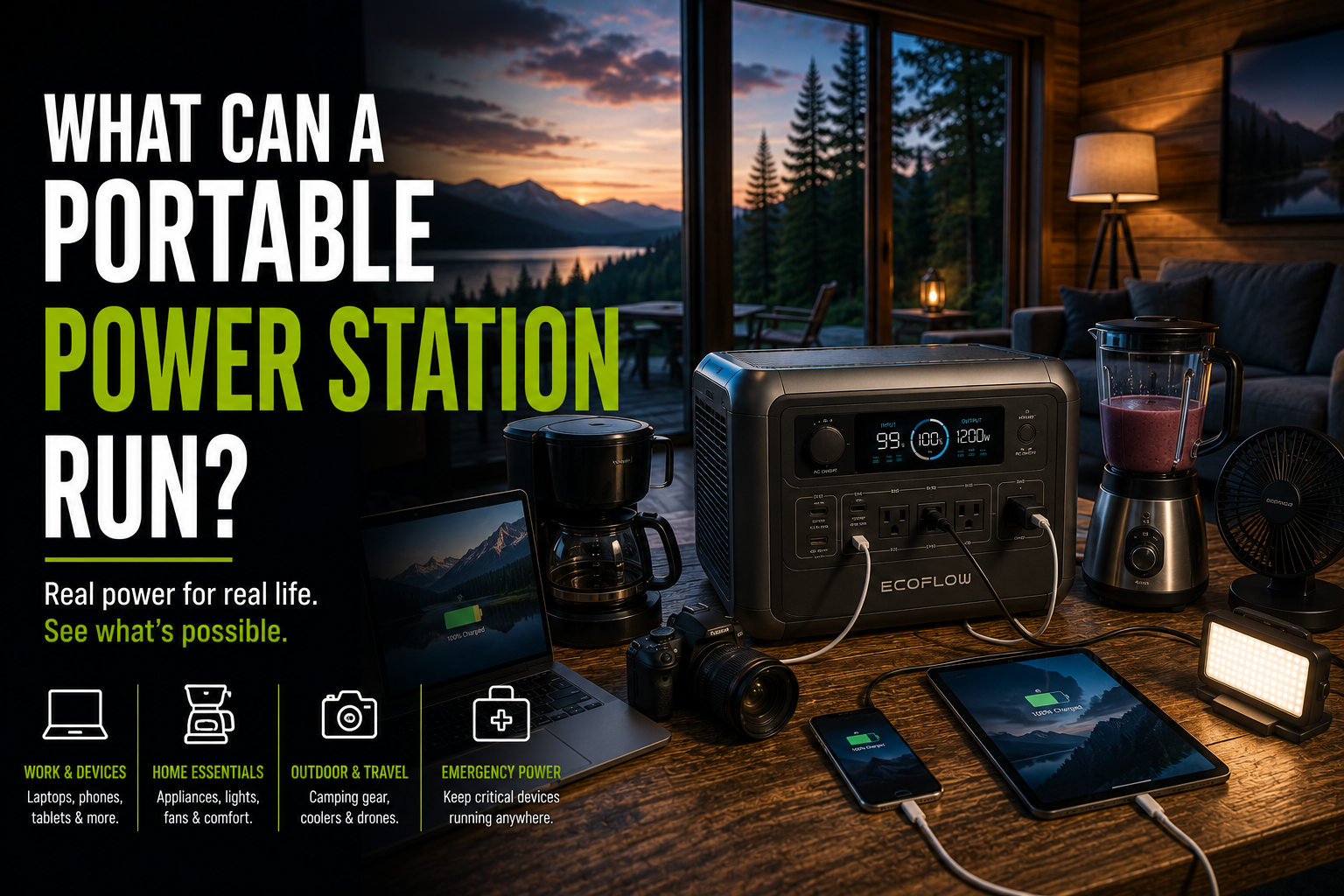
Keep computers, networking equipment and communications online by matching transfer time, battery capacity and output to the real office load.
A reliable home-office backup should protect the internet connection first, keep critical computers online and provide enough time to work or shut down safely.
This comparison covers current 1kWh portable power stations and dedicated UPS options, along with practical runtime and compatibility guidance.
Use a UPS for Immediate Continuity and a 1kWh Battery for Longer Runtime
For sensitive desktops, NAS devices and servers, a dedicated pure sine wave UPS remains the safest first layer. A 1kWh LFP power station with a 10–20ms transfer mode can extend runtime for routers, laptops, monitors and compatible desktop systems.
Editor's Verdict
EcoFlow DELTA 3 Plus offers the best overall mix of capacity, 1,800W output and fast transfer. BLUETTI Elite 100 V2 is attractive for quiet workspaces, while a dedicated UPS remains the right choice for controlled server and desktop shutdown.
Best Home-Office Backup Power Options
EcoFlow DELTA 3 Plus
1,024Wh, 1,800W output and sub-10ms UPS switching for office electronics.
BLUETTI Elite 100 V2
1,024Wh, 1,800W and 10ms UPS operation with low noise under light loads.
Anker SOLIX C1000
1,056Wh, 1,800W, fast recharge and expandable capacity.
Jackery Explorer 1000 v2
1,070Wh, 1,500W and under-20ms UPS switching in a compact format.
Pure Sine Wave UPS
Purpose-built ride-through and shutdown support for desktop computers and networking.
Home-Office Backup Comparison
| Model | Capacity | Output | Transfer | Best For |
|---|---|---|---|---|
| EcoFlow DELTA 3 Plus | 1,024Wh | 1,800W | <10ms | Complete office |
| BLUETTI Elite 100 V2 | 1,024Wh | 1,800W | 10ms | Quiet office |
| Anker SOLIX C1000 | 1,056Wh | 1,800W | <20ms | Value and expansion |
| Jackery Explorer 1000 v2 | 1,070Wh | 1,500W | <20ms | Portable office |
| Pure sine wave UPS | Varies | Varies | Model dependent | Desktop continuity |
1. EcoFlow DELTA 3 Plus
A strong all-in-one office backup with fast transfer and enough capacity for hours of work.
The DELTA 3 Plus offers enough output for a desktop, monitors, router, modem, NAS and office lighting while its fast transfer mode is designed to reduce interruption during a grid failure.
A portable power station is not identical to every dedicated UPS topology. Users with sensitive servers or workstations should confirm that their equipment tolerates the specified transfer time and waveform.
Why It Stands Out
- Sub-10ms transfer specification
- Strong 1,800W output
- LFP battery
- Fast recharge
- Multiple outputs
What to Consider
- Larger than a desktop UPS
- Battery runtime falls with gaming PCs
- Fans may run while charging
- Check NAS and server compatibility
Best for: home offices needing several hours of backup across multiple devices.
2. BLUETTI Elite 100 V2
A quiet 1kWh-class system with a 10ms UPS mode for shared workspaces.
The Elite 100 V2 is particularly attractive where fan noise matters. Under moderate office loads, its low-noise operation can be less distracting than larger high-output systems.
Its 1,800W inverter is ample for normal office electronics, but high-end workstations with powerful GPUs can reduce runtime dramatically.
Why It Stands Out
- Quiet under light loads
- 10ms transfer mode
- 1,800W output
- App monitoring
- Long-cycle LFP battery
What to Consider
- Not rack-mount equipment
- Runtime varies with workstation load
- May not replace an online UPS
- Limited base capacity for long outages
Best for: quiet offices, routers, NAS units and mainstream desktops.
3. Anker SOLIX C1000
Fast recharge, useful expansion and solid office-scale output.
The SOLIX C1000 balances capacity, output and recharge speed. It can support a router, modem, laptop docks, several monitors and lighting, while an expansion battery can extend runtime without moving to a much larger inverter.
Its transfer time is slower than the fastest 10ms-class options, so compatibility should be checked for especially sensitive devices.
Why It Stands Out
- Good value per watt-hour
- Expandable capacity
- Fast AC charging
- Wi-Fi and Bluetooth monitoring
- Five-year warranty specification
What to Consider
- Under-20ms transfer is not zero interruption
- Expansion adds floor space
- Fan noise during fast charging
- No network shutdown software for every device
Best for: general home offices that prioritize runtime and value.
4. Jackery Explorer 1000 v2
Compact backup for laptops, networking equipment and moderate desktop loads.
The Explorer 1000 v2 is easier to move than many 1kWh competitors and provides enough output for most home-office setups. Dual high-power USB-C ports are useful for laptops and docks without relying only on AC adapters.
The 1,500W ceiling is lower than the other 1kWh models in this comparison, which matters mainly for powerful workstations, laser printers and additional household loads.
Why It Stands Out
- Compact 1kWh format
- Direct USB-C charging
- Fast emergency charging mode
- UPS function
- Long-life battery design
What to Consider
- Lower output than 1,800W rivals
- Under-20ms transfer
- Not ideal for laser printers
- Limited runtime for high-end PCs
Best for: laptop-based offices and portable work setups.
5. Pure Sine Wave UPS
A dedicated UPS remains the simplest choice for short outages and controlled shutdowns.
A dedicated pure sine wave UPS is designed around computer continuity, surge protection and graceful shutdown rather than long-duration energy storage. It is often the better first purchase for a desktop PC, NAS or small server.
For extended outages, a practical architecture is a UPS in front of critical equipment and a portable power station available to recharge or support the UPS after the immediate transition.
Why It Stands Out
- Designed for computers
- Automatic shutdown support
- Compact installation
- Surge and voltage regulation options
- Widely available
What to Consider
- Shorter runtime
- Lead-acid batteries may need replacement
- Less useful for broader household backup
- Capacity can be expensive
Best for: desktop PCs, NAS devices and servers requiring controlled shutdown.
How to Choose Backup Power for a Home Office
Measure Real Load
Use a plug-in power meter to measure the desktop, monitors, router, modem, NAS and lighting together.
Check Transfer Time
Confirm that critical devices tolerate the advertised UPS transfer interval.
Separate Printers
Laser printers can draw high startup power and should usually remain off the critical backup circuit.
Prioritize Networking
Keeping the router, modem and fiber terminal powered may be more valuable than running every monitor.
Plan Runtime
Decide whether the goal is graceful shutdown, one work session or full-day continuity.
Test Before Needed
Simulate a safe outage and verify that every connected device stays online.
Typical Home-Office Runtime
A laptop-centered office may consume 80 to 200W, while a desktop with several monitors can use 250 to 700W or more. A 1,024Wh battery may provide roughly seven to ten hours at a 100W load, three to four hours around 250W, or closer to one to two hours at a sustained 600W after conversion losses and reserve settings.
Frequently Asked Questions
What size battery backup do I need for a home office?
Measure the combined real-world load of the computer, monitors, router, modem, NAS and lighting, then multiply by the desired runtime and add conversion-loss margin.
Is a portable power station the same as a UPS?
No. Some power stations include fast transfer modes, but dedicated UPS systems may provide different power conditioning, management software and transfer behavior.
How long will a 1,000Wh power station run a computer?
A 100W laptop setup may run for roughly seven to ten hours, while a 500W desktop setup may run closer to one and a half hours after conversion losses.
Do I need pure sine wave power for a computer?
Pure sine wave output is preferred for modern computers, active power-factor-correction supplies and sensitive office electronics.
Can a power station keep a router and modem online overnight?
Usually yes. Networking equipment often uses less than 50W combined, so a 1kWh battery can commonly support it for many hours.
Should a laser printer be connected to backup power?
Usually not. Laser printers can have high heater startup demand and may overload smaller UPS or battery systems.
What UPS transfer time is safe for a desktop computer?
Compatibility varies by power supply. Many computers tolerate 10–20ms, but critical equipment should be tested and matched to its manufacturer's requirements.
Can I connect a surge protector to a portable power station?
Use only configurations permitted by both manufacturers. Avoid daisy-chaining power strips or exceeding outlet and circuit ratings.