
OUPES Mega Series Comparison
Mega 1 is compact high output, Mega 2 is the balanced 2kWh platform, Mega 3 powers larger loads and Mega 5 prioritizes multi-day capacity.
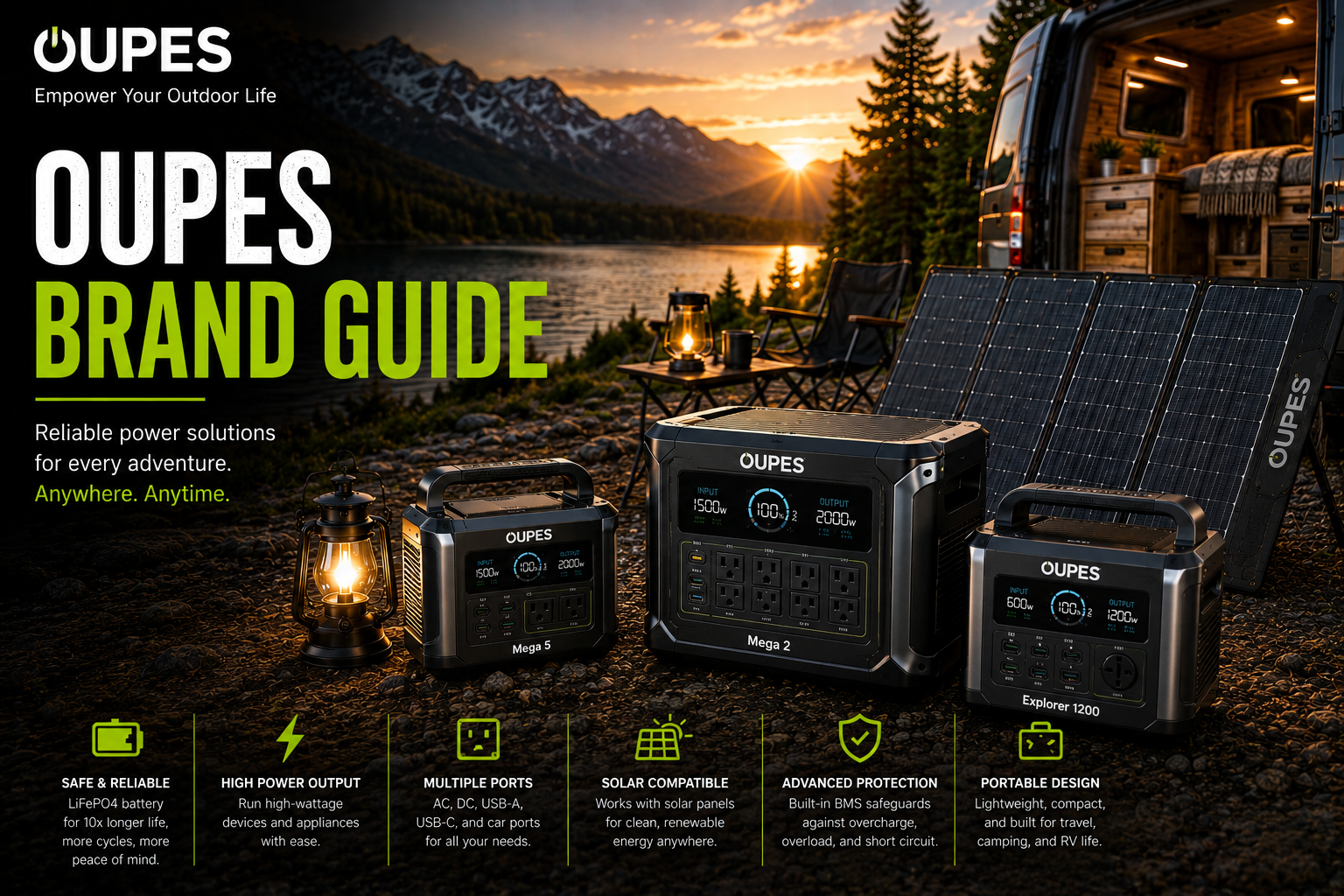
Mega 1 is compact high output, Mega 2 is the balanced 2kWh platform, Mega 3 powers larger loads and Mega 5 prioritizes multi-day capacity.
The Mega series scales predictably in capacity, but battery family and mobility change significantly at Mega 5.
This comparison explains the real ownership difference between the four sizes.
Mega 2 Is Best Overall; Mega 3 Is Best for Large Loads
Mega 1 is the best portable choice, while Mega 5 should be treated as a stationary system.
Series Verdict
Mega 2 is the least compromised model in the range.
OUPES Mega Series Comparison
| Model | Capacity | Output | Expansion | Weight Class | Best Use |
|---|---|---|---|---|---|
| Mega 1 | 1,024Wh | 2,000W | 5.12kWh | 27.8 lb | Compact |
| Mega 2 | 2,048Wh | 2,500W | 10.24kWh | 45–49 lb | General backup |
| Mega 3 | 3,072Wh | 3,600W | 15.36kWh | 83 lb | Large loads |
| Mega 5 | 5,040Wh | 4,000W | 45.36kWh | 110+ lb | Multi-day backup |
Platform Architecture
Mega 1 through Mega 3 share the B2 expansion concept, while Mega 5 uses B5 batteries and belongs in a more stationary category.
Charging Progression
Input capacity rises sharply across the series, with Mega 3 capable of roughly one-hour full recharge through combined AC and solar under ideal conditions.
Best Model by Buyer
Camper
Mega 1.
RV Owner
Mega 2.
Home Backup
Mega 2 or Mega 3.
Workshop
Mega 3.
Long Outage
Mega 5.
Daily Cycling
Mega 2 Pro.
What Matters in Real-World Use
The best way to read oupes mega series comparison is as a system-sizing decision, not a scoreboard. The meaningful differences are the ones that affect which appliances can run, how long they can run, how quickly the battery can be replenished and how difficult the hardware is to move or expand.
Calculate the electrical load first. Add the continuous watts of equipment that may operate at the same time, then account separately for startup surges from refrigerators, pumps, compressors and tools. After that, estimate required watt-hours from actual hours of use. This keeps output and runtime from being confused.
If both choices meet the electrical requirement, shift attention to ownership: physical size, weight, AC and solar charging, port layout, expansion support, fan behavior, app dependence and warranty service. Those differences can matter more day to day than a small advantage in capacity or maximum output.
Compare current complete-system cost rather than list price. Sales can substantially change the value equation, and accessories can erase an apparent bargain. Include any expansion battery, solar panel, adapter or cable that the planned setup actually needs before deciding which option is cheaper.
A Better Way to Decide
1. Define simultaneous loads
List the devices that must run together, their continuous wattage and any motor or compressor startup surge.
2. Set the runtime requirement
Estimate watt-hours from the actual operating hours you need, then leave reserve for inverter losses and changing loads.
3. Compare the complete system
Include panels, expansion batteries, adapters, proprietary cables and other hardware required for the intended setup.
4. Weight long-term ownership
Portability, recharge time, noise, accessory availability and warranty support can outweigh modest specification differences.
Common Buying Mistakes to Avoid
Frequently Asked Questions
Who should buy the OUPES Mega series?
Buy it when OUPES’ high inverter output, rapid charging, app control and expansion pricing match your actual backup plan.
Who should skip the OUPES Mega series?
Skip it when native 240V, lower weight or a larger retail service network matters more.
How should OUPES runtime be estimated?
Multiply rated watt-hours by roughly 0.80 to 0.90 for usable AC energy, then divide by average load watts.
Can OUPES run a refrigerator?
Mega 1 and larger models can generally run common refrigerators when compressor startup remains within surge limits.
Can third-party solar panels be used?
Yes, when voltage, current, polarity and connectors remain within the exact model’s MPPT specifications.
Does OUPES work as a UPS?
Mega models advertise UPS or EPS operation, but transfer time should be verified for sensitive servers or medical equipment.
How long do OUPES batteries last?
Current Mega LFP models generally claim more than 3,500 cycles to about 80% capacity.
Are OUPES expansion batteries universal?
No. B2 batteries serve Mega 1, Mega 2 and Mega 3 families, while B5 is for Mega 5.
How should an OUPES station be stored?
Keep it cool, dry and ventilated, and follow the manual’s periodic charging guidance.
What is the biggest OUPES buying mistake?
Assuming all Mega models use the same battery pack, charging limit or UPS rating.
Which is best overall?
Mega 2.
Which expands the most?
Mega 5.