
BougeRV Rover 1000 vs Rover 2000
BougeRV’s documented 1kWh model is FORT 1000, not a current Rover 1000; compared with it, ROVER2000 delivers much more output, solar input and expansion.
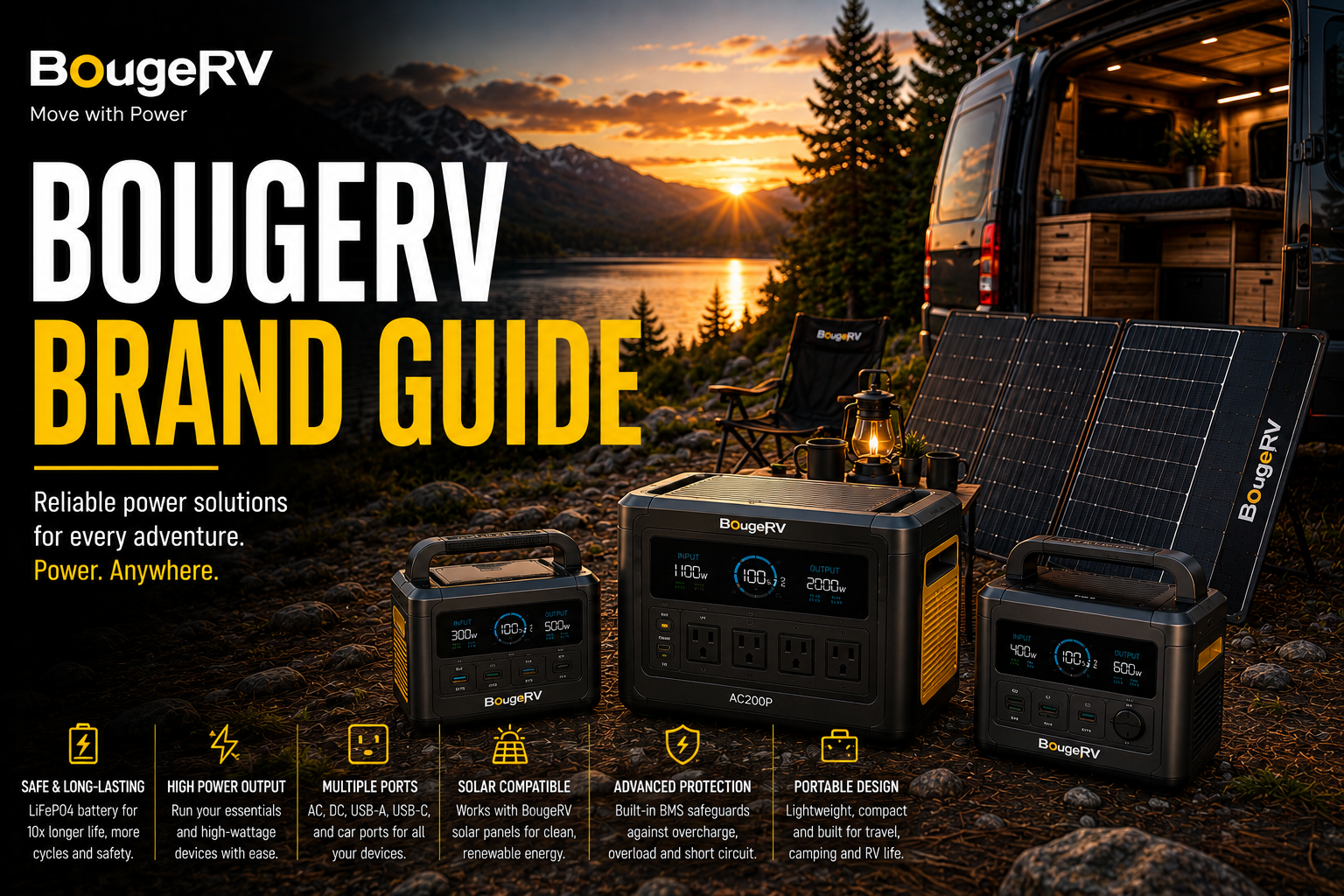
BougeRV’s documented 1kWh model is FORT 1000, not a current Rover 1000; compared with it, ROVER2000 delivers much more output, solar input and expansion.
This comparison corrects the product naming while answering the intended 1kWh-versus-2kWh buying question.
FORT 1000 is simpler; ROVER2000 is the true system platform.
FORT 1000 for Portability; ROVER2000 for Backup
ROVER2000 is better technically, while FORT 1000 is easier and cheaper for moderate use.
Comparison Verdict
Choose ROVER2000 for RV or home backup and FORT 1000 for camping essentials.
Quick Comparison
| Factor | FORT 1000 (requested Rover 1000 intent) | ROVER2000 |
|---|---|---|
| Capacity | 1,120Wh | 2,008Wh |
| Output | 1,200W | 2,200W |
| Battery | LiFePO4 | Semi-solid-state NCM |
| Solar | 200W max class | 1,500W max |
| Expansion | Fixed | Up to about 8kWh |
| Weight | About 28 lb class | About 47 lb |
Runtime
ROVER2000 stores about 79% more energy before expansion and supports far longer appliance runtimes.
Output
ROVER2000’s 2,200W inverter handles kitchen appliances, tools and RV air-conditioning loads that exceed FORT 1000’s 1,200W rating.
Ownership
FORT 1000 is simpler and easier to move. ROVER2000 is a more complex but substantially more capable system.
Who Should Buy Each?
Buy FORT 1000
For simple camping power.
Buy ROVER2000
For expansion and high loads.
Choose FORT for Cycle Life
LiFePO4 design.
Choose Rover for Solar
1,500W input.
Verify Rover Battery Stock
Before buying for expansion.
Skip Both for 240V
Neither offers native split phase.
What Matters in Real-World Use
The best way to read bougerv rover 1000 vs rover 2000 portable power stations is as a system-sizing decision, not a scoreboard. The meaningful differences are the ones that affect which appliances can run, how long they can run, how quickly the battery can be replenished and how difficult the hardware is to move or expand.
Calculate the electrical load first. Add the continuous watts of equipment that may operate at the same time, then account separately for startup surges from refrigerators, pumps, compressors and tools. After that, estimate required watt-hours from actual hours of use. This keeps output and runtime from being confused.
If both choices meet the electrical requirement, shift attention to ownership: physical size, weight, AC and solar charging, port layout, expansion support, fan behavior, app dependence and warranty service. Those differences can matter more day to day than a small advantage in capacity or maximum output.
Compare current complete-system cost rather than list price. Sales can substantially change the value equation, and accessories can erase an apparent bargain. Include any expansion battery, solar panel, adapter or cable that the planned setup actually needs before deciding which option is cheaper.
A Better Way to Decide
1. Define simultaneous loads
List the devices that must run together, their continuous wattage and any motor or compressor startup surge.
2. Set the runtime requirement
Estimate watt-hours from the actual operating hours you need, then leave reserve for inverter losses and changing loads.
3. Compare the complete system
Include panels, expansion batteries, adapters, proprietary cables and other hardware required for the intended setup.
4. Weight long-term ownership
Portability, recharge time, noise, accessory availability and warranty support can outweigh modest specification differences.
Common Buying Mistakes to Avoid
Frequently Asked Questions
Who should buy FORT 1000 or ROVER2000?
Buy it when BougeRV’s RV-focused ecosystem, portable-fridge integration, solar options and current sale price fit your needs.
Who should skip FORT 1000 or ROVER2000?
Skip it when you need native 240V, a broader active power-station lineup or the lightest platform in class.
How should BougeRV runtime be estimated?
Multiply watt-hours by roughly 0.80 to 0.90 for usable AC energy, then divide by average appliance watts.
Can BougeRV run a refrigerator?
FORT 1000 and larger stations can generally run common refrigerators when startup surge remains within inverter limits.
Can third-party solar panels be used?
Yes, when voltage, current, polarity and connectors remain within the exact model’s input specifications.
Does BougeRV support UPS use?
Check the exact model manual. ROVER2000 is designed for backup use, but sensitive equipment requires transfer-time verification.
How long do BougeRV batteries last?
ROVER2000’s semi-solid battery and compatible extra batteries are rated around 3,000+ cycles, while FORT LiFePO4 models claim roughly 3,500+ cycles.
Are BougeRV batteries interchangeable?
No. ROVER2000 expansion batteries, fridge batteries and other power-station batteries serve different systems.
How should the station be stored?
Keep it cool, dry and ventilated, and follow the manual’s periodic recharge guidance.
What is the most common buying mistake?
Assuming the entire BougeRV catalog belongs to one expandable power-station ecosystem.
Which lasts longer?
ROVER2000.
Which is easier to carry?
FORT 1000.
Which expands?
ROVER2000.
Why is FORT 1000 used here?
It is BougeRV’s documented 1kWh-class station.