
How to Replace a UPS Battery
Replace only the exact approved battery cartridge and follow the model-specific service instructions.
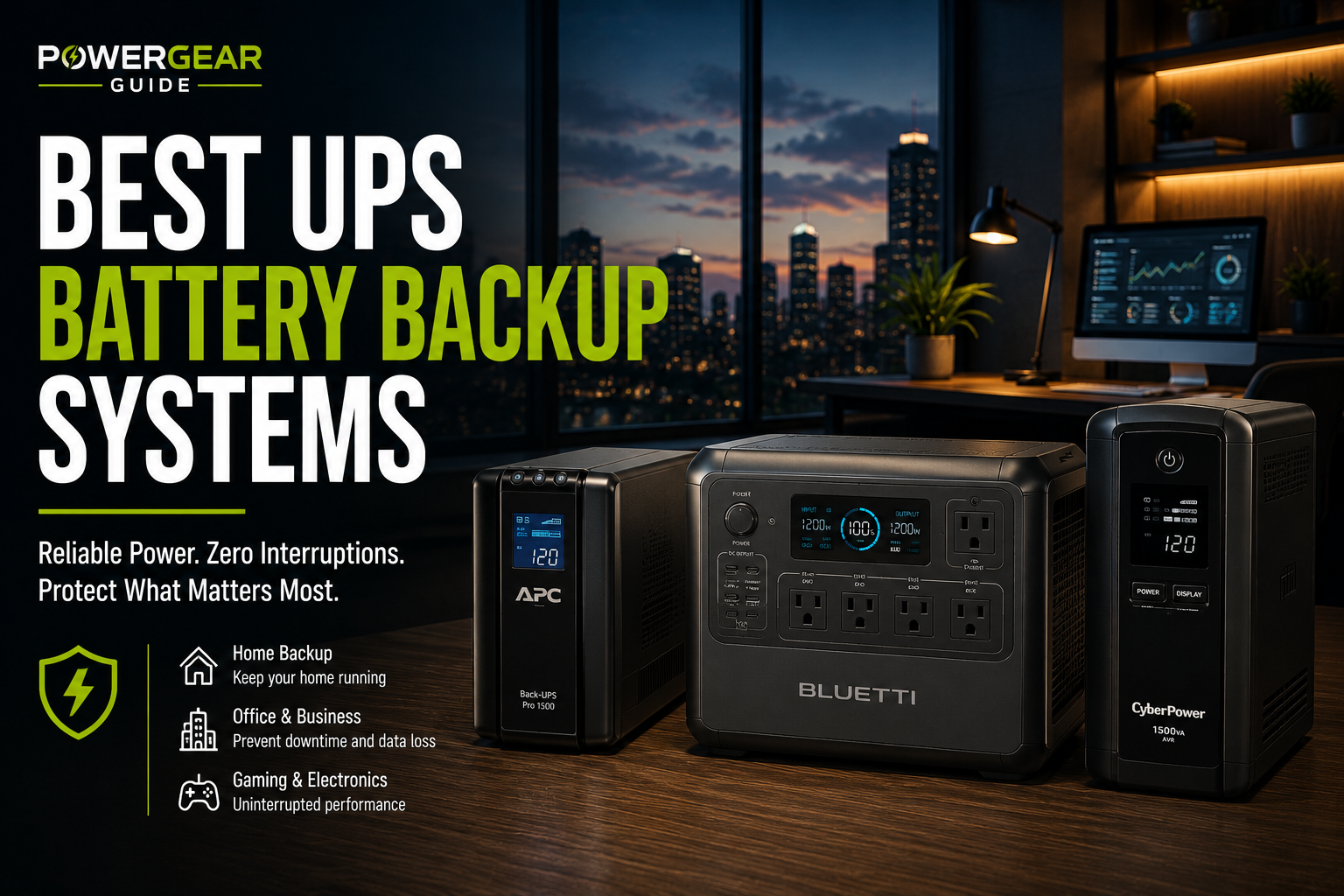
Replace only the exact approved battery cartridge and follow the model-specific service instructions.
Many UPS batteries are user-replaceable, but the procedure depends on the exact model.
This guide explains the general workflow without replacing the manufacturer’s service manual.
Use the Exact Cartridge and Follow the Model Manual
Confirm the fault, identify the approved replacement, shut down loads unless hot-swap is explicitly supported, install the cartridge, recharge, self-test and recycle the old pack.
Safety Priority
Battery replacement is straightforward only on models designed for trained-user service. Swollen or leaking batteries require support.
Before Replacing
Confirm the Fault
Run the supported self-test.
Find the Exact Cartridge
Use the UPS model number.
Read the Manual
Procedures differ.
Shut Down Loads
Unless hot-swap is supported.
Prepare Recycling
Batteries require proper recycling.
Inspect the UPS
Swelling or leakage needs support.
General Replacement Process
| Step | Action | Important Detail |
|---|---|---|
| 1 | Power down connected equipment | Avoid data loss |
| 2 | Turn off and unplug UPS | Follow model instructions |
| 3 | Open battery compartment | Use approved access |
| 4 | Disconnect old cartridge | Do not pull wires |
| 5 | Install exact replacement | Match orientation |
| 6 | Reassemble and charge | Allow specified charge time |
| 7 | Run self-test | Confirm recognition |
| 8 | Recycle old battery | Use approved recycler |
Can It Be Hot-Swapped?
Some Smart-UPS and enterprise models support trained-user hot-swap while utility power remains available. Consumer models may require shutdown.
After Replacement
Allow Full Charging
New packs may be partial.
Reset Battery Date
Some managed units track age.
Run a Self-Test
Verify the pack passes.
Test a Controlled Outage
Confirm transfer and runtime.
Update Shutdown Settings
Runtime may change.
Document the Date
Plan future inspection.
Safety Warnings
High Current
Short circuits are dangerous.
Heavy Cartridges
Use safe lifting.
Swollen Batteries
Do not force removal.
Wrong Chemistry
Never substitute unapproved types.
No Household Trash
Recycle properly.
Internal Repairs
Board-level work needs technicians.
Practical Planning and Ownership
The useful way to apply how to replace a ups battery is to connect the guidance to the actual equipment, environment and duty cycle. Power systems age and behave differently depending on load, temperature, storage, maintenance and how frequently they are cycled.
Follow the equipment manufacturer's limits for charging, ventilation, storage and service. Generic rules are useful for understanding the system, but model-specific instructions control when they are more restrictive.
Build margin into backup plans. Batteries lose capacity with age, engines can be harder to start after storage, and real loads can draw more than expected. A system designed with reserve is more dependable than one that works only at ideal ratings.
Periodic testing is part of ownership. An emergency is the wrong time to discover a weak battery, stale fuel, missing cable or incompatible load. Keep accessories together, document the basic operating procedure and test the setup on a sensible schedule.
Planning Margin That Actually Helps
Avoid designing a backup system around the exact edge of its ratings. Leave headroom in continuous output, surge capability and stored energy. That margin absorbs conversion losses, battery aging, temperature effects and loads that draw more than their nominal specification suggests.
Prioritize essential loads and consider rotating equipment instead of running everything simultaneously. Load management can extend runtime dramatically and may let a smaller, more portable system cover the real emergency requirement without sacrificing the devices that matter most.
Before You Buy the Replacement
Match the replacement battery to the UPS manufacturer's specified voltage, physical dimensions, terminal type and battery configuration. Similar-looking sealed batteries are not automatically interchangeable, and multi-battery packs must be wired exactly as specified.
After replacement, allow the UPS to charge fully and run its supported self-test procedure. For critical equipment, verify expected runtime with a controlled load before returning the UPS to service.
One More Practical Check
Dispose of the old battery through an appropriate battery recycling channel rather than household trash. UPS batteries are commonly recyclable, and retailers or local recycling programs may provide suitable collection options.
Final Planning Note
Before opening the battery compartment, shut down connected equipment and follow the exact isolation procedure in the UPS manual. Some models support hot-swappable batteries, while others require complete shutdown. Do not assume the procedure is identical across units. Photograph cable orientation before disconnecting a multi-battery pack if the manufacturer permits user replacement, and never bypass fuses, interlocks or specified connectors.
After installation, update any maintenance record with the replacement date and battery part number so the next service interval is easy to track.
Frequently Asked Questions
Can I replace a UPS battery myself?
Yes on models with user-replaceable cartridges.
Can I replace it while on?
Only if the exact model supports hot-swap.
Can I use any same-voltage battery?
No.
How long should it charge?
Follow the manual.
Where do I recycle it?
Use an approved battery recycler.
What if it is swollen?
Stop use and contact support.